Your workflow is unique 👨💻 - tell us how you use Dropbox here.
Forum Discussion

Polas
3 years agoExplorer | Level 4
the easiest way for users to access data on one (joint) account via API - access token
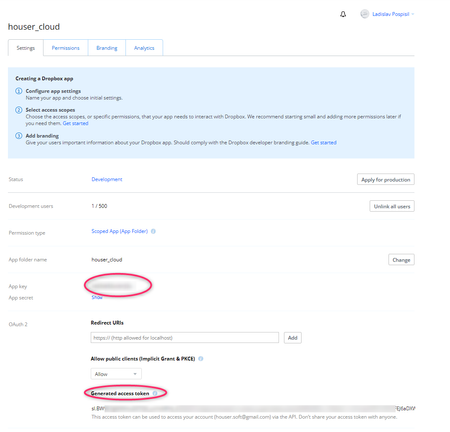
I'm a beginner and I'm lost when working with authorization token. I have a desktop application that users will use to access my files (occasional access to small dials). The software is written in D...

Polas
3 years agoExplorer | Level 4
I still can't, I've only progressed a bit:
1. I asked for a code
and I got <received code>
the next step failed
2. https://api.dropbox.com/oauth2/token -d code=<CODE_FROM_THE_IMAGE> -d grant_type=authorization_code -u <KEY_APP> : <SECR_KEY_APP>
What am I doing wrong? is the syntax ok?
I'm sure both the app key and the secret key are fine. Please advise, thanks!

Greg-DB Dropbox Community Moderator
3 years agoDropbox Community ModeratorPolas As Здравко noted, it appears you are attempting to use /oauth2/token in your browser, which won't work. Note that while /oauth2/authorize is a web page that the user would access in their browser, /oauth2/token is not; /oauth2/token is an OAuth endpoint that you would call programmatically.
For instance, the examples in the /oauth2/token documentation use curl to peform that call, but you can use any HTTPS client of your choosing.
About Dropbox API Support and Feedback

Get help with the Dropbox API from fellow developers and experts.
The Dropbox Community team is active from Monday to Friday. We try to respond to you as soon as we can, usually within 2 hours.
If you need more help you can view your support options (expected response time for an email or ticket is 24 hours), or contact us on X, Facebook or Instagram.
For more info on available support options for your Dropbox plan, see this article.
If you found the answer to your question in this Community thread, please 'like' the post to say thanks and to let us know it was useful!


