Our Community is in read-only mode until April 8th, learn more here. You can still search existing threads or get help via Dropbox Support, the Dropbox Help Center, or Learn.
Forum Discussion

mike160304
8 years agoCollaborator | Level 9
Cannot edit some text files in Dropbox on iPhone?
In the Dropbox app on iPhone SE, I can open all my text files, but in some of them I do not get the Edit icon (looks like a cursor) at bottom left, so cannot edit them.
In others, I get the Edi...
 7 years ago
K-C-L (and others following)
Thanks! You're onto the right cause, and solution ...well, workaround.
Dropbox App editor won't handle either certain characters (extended) or Windows Notepad default ANSI files. A pretty obvious shortcoming. These get rendered in a non-editable file - which looks like monospaced courier, but doesn't make a space for each <spacebar>. Go figure.
Anyway, the workarounds are:
- Convert all your Notepad ANSI files to UTF-8 (open file in Notepad, Save As..., dropdown box -> choose UTF-8 and Save. (Save all new files as UTF-8). This is what I am doing.
- Open the file in Dropbox App. Select a word, then Select All. Copy. Create new file (Text). Paste into the window, name, and Create. Kinda klugy.
Those both work - I've tested.
- There is a way to change Notepad default to UTF-8, which would prevent this from re-occurring, but you have to touch the Registry (I don't want to do that)
- Download Notepad++ which apparently can set a default without touching the Registry (cannot verify). Reportedly Notepad++ takes less resources too (don't know about that either)
OK, a PITA. But do-able. I guess.
But, the real problem is Dropbox App cannot show text files (.txt) in monospaced font (e.g. Menlo or Courier). This is basically a disqualifier for Dropbox for musicians who use text files to create Tab, or Notation files, or chord charts. That's a lot of people left out in the cold. Since they all share files, so Dropbox could / should own this market, but have shut themselves out.

Rich Super User II
8 years agoSuper User II
Minato wrote:
Dropbox doesn’t have a built in editor.
Actually, it does. Simple text files can be edited within the Dropbox app by tapping the Edit icon in the bottom left corner when the file is open for viewing.
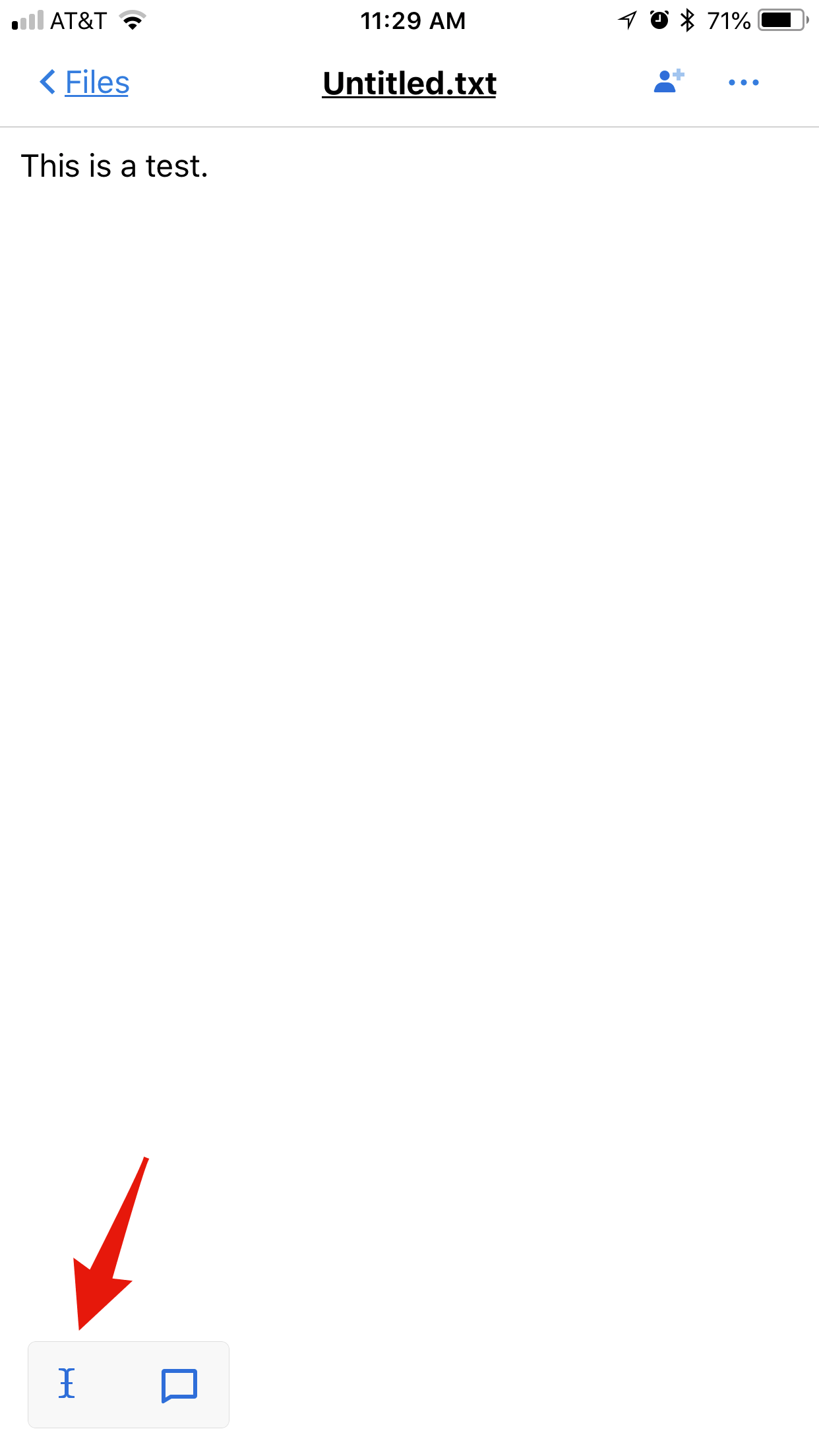
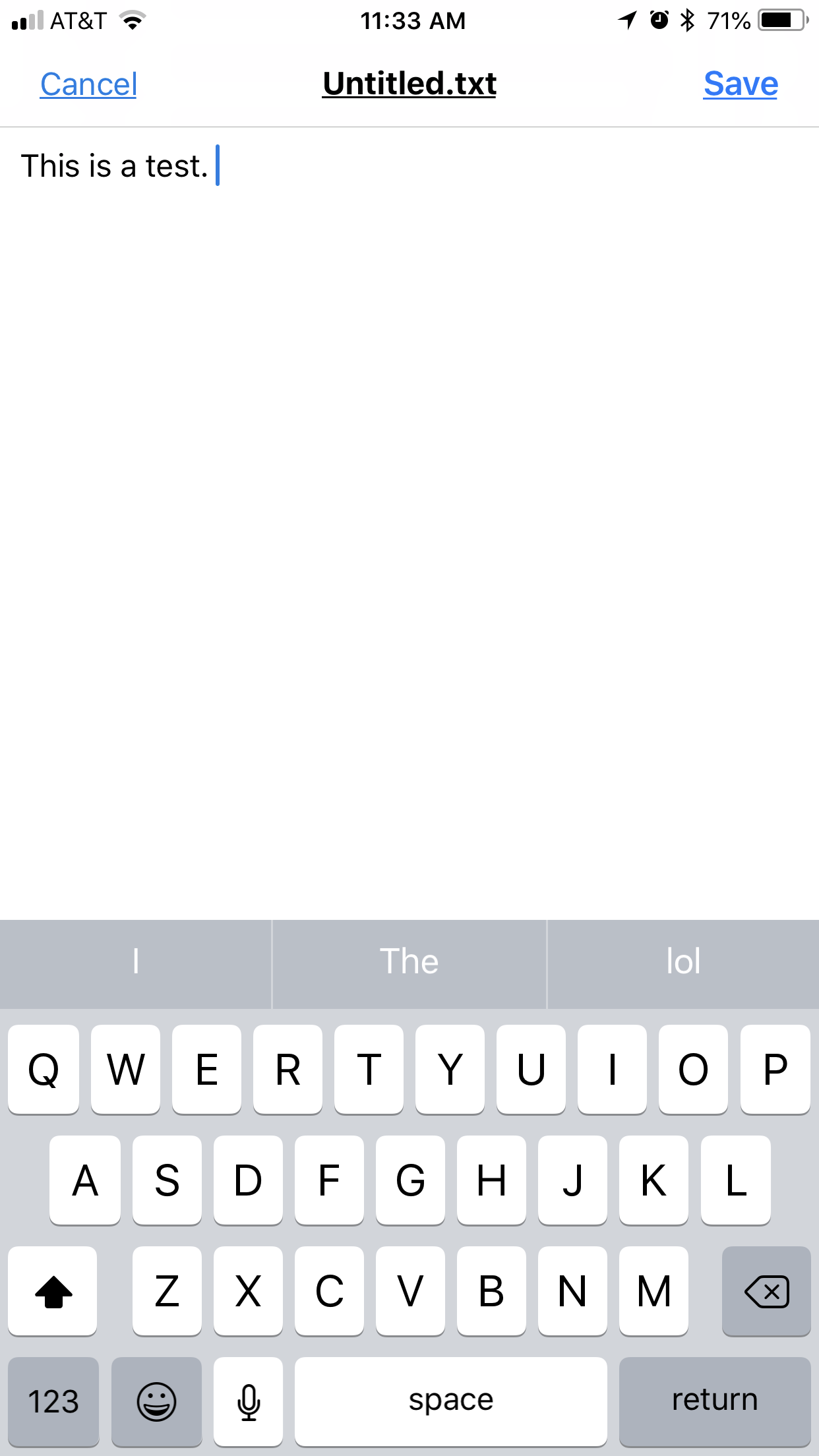
Tapping the edit icon opens the file within the Dropbox app. You can then edit and save the changes. No other app is required.

mike160304
8 years agoCollaborator | Level 9
Whoops - duplicate of last message, but I cannot delete it.
- Sanchez8 years ago
Dropbox Community Moderator
Thanks for all the extra details, and for sharing those links to your test documents! I don’t know what the difference in these files is, so I’d like to put you in touch with our support team for further investigation. Go ahead and submit a support ticket here, and then let me know your ticket number so I can make sure it gets to the right desk for review :wink:.In the meantime, I wonder what would happen if you copy/pasted the contents of the non-editable document into a newblackblank [edited] one. Give this a try if you’d like, and let me know.Cheers!- Cardinal2B8 years agoCollaborator | Level 8
I am having exactly the same problem as Mike, but on my iPad. Same as Mike mine were created / edited using Notepad on Windows 10 (Surface).
I can offer one observation in addition:
The text files I CAN’T edit display in beautiful, gorgeous, fixed width Courier font, but...no edit icon in lower right
The txt files I CAN edit display in nearly useless sans serifed proportional font. Edit icon in lower right, and it works, but editing without fixed width is not useful
Let me know if there is more I can do to help solve this!
- Cardinal2B8 years agoCollaborator | Level 8More information
I looked at Mike’s files, and they appear the same as what I see on my iPad. His file that CANNOT be edited appears in luscious fixed width font, but no editing icon. His file that CAN be edited is in thoroughly unapppealing and non functional sans serifed proportional font, but the icon is there and I can edit it.
You asked to do an experiment on a CAN’T edit file - copy the whole file and open a blank one, paste the contents in, save it, then see if it can be edited. The answer is YES I can copy the contents to a new file, and edit the new file, however, it is presented in proportional font. Sigh.
That’s not a solution IMO, just a workaround, and it doesn’t address the fixed width issue. But there you go. - Cardinal2B8 years agoCollaborator | Level 8
- OK Sanchez, one more item of note.
In the file that I CAN’T edit, what I see is in monspaced, fixed width serifed font. And, where there is type, each typed character is the same width. However, where more than one space bar created space exists, only one space actuallly shows.
So
123456789012345678901234567890123456789012345
1 space between C’’’’’ F’’’’’ and G’’
this line has more C’’’’’ F’’’’’ and G’’
In the file that I CAN’T edit, the phrase
C’’’’’ F’’’’’ and G’’
Looks like this:
C’’’’’ F’’’’’ and G’’
The “missing spaces” are not expected of course, but may offer further clues...
Mike if you are following along, does all this comport with what you see?
- mike1603048 years agoCollaborator | Level 9
Cardinal 2B - thanks for the replies. I have not had time to do more on this yet, and am still busy with some other stuff re an imminent trip.
Re suggestion from Sanchez (above), would YOU like to raise a ticket about this? You seem to know a bit more than I do anyway?
When I copied/pasted into a new Notepad file, I still could not edit it, but I would need to run some more tests and can't do it just now.
Life was simpler before technology made everything easier.
Also, we don't seem to be able to attach files to our messages here?
Mike

About Apps and Installations
Have a question about a Dropbox app or installation? Reach out to the Dropbox Community and get solutions, help, and advice from members.
The Dropbox Community team is active from Monday to Friday. We try to respond to you as soon as we can, usually within 2 hours.
If you need more help you can view your support options (expected response time for an email or ticket is 24 hours), or contact us on X, Facebook or Instagram.
For more info on available support options for your Dropbox plan, see this article.
If you found the answer to your question in this Community thread, please 'like' the post to say thanks and to let us know it was useful!


