Our Community is in read-only mode until April 8th, learn more here. You can still search existing threads or get help via Dropbox Support, the Dropbox Help Center, or Learn.
Forum Discussion

crover23
1 year agoExplorer | Level 3
I cannot see my Dropbox support ticket
Hello,
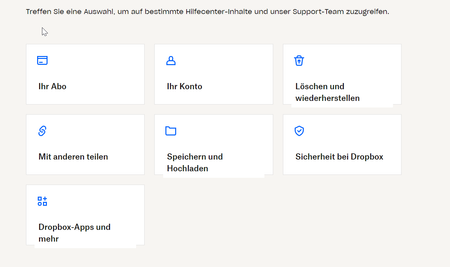
i oppend a ticket and i got the information, that the answer is in the support area. But in the support area, i cant find the ticket ore even a ticket area or message area:
Wher...
- 1 year ago
That's correct, it isn't possible to see all your support tickets on the website, only via the links sent in the email.


Laureline Community Manager
1 year agoCommunity ManagerHey crover23 ,
You should have a link called "Your requests" at the top right hand corner of the www.dropbox.com/support page.
If you click on it, you should be able to view all your previous and active tickets.
Let me know if you have issue to access them!


About Security and Permissions
Find answers to your questions about Dropbox account security and permissions.
The Dropbox Community team is active from Monday to Friday. We try to respond to you as soon as we can, usually within 2 hours.
If you need more help you can view your support options (expected response time for an email or ticket is 24 hours), or contact us on X, Facebook or Instagram.
For more info on available support options for your Dropbox plan, see this article.
If you found the answer to your question in this Community thread, please 'like' the post to say thanks and to let us know it was useful!


