Your workflow is unique 👨💻 - tell us how you use Dropbox here.
Forum Discussion

mhuang45
7 months agoExplorer | Level 3
Accidentally logged in using Google SSO instead of username/password, now my files are gone
Hello, I'm not sure if I messed something up with my account but all my past files are gone and it says I'm in the 2GB plan. I normally use the desktop app but recently my laptop died and was sent...

mhuang45
7 months agoExplorer | Level 3
Hi Jay,
Thanks for tagging again, I had missed the message from Hannah.
To answer Hannah's question, I really can't remember the last time I had access dropbox.com (on a browser) as I had been using the desktop version for a really long time. Is there no history at all from you end that you can see?
- Jay7 months ago
Dropbox Community Moderator
As the email you received was several months ago, it wouldn't be possible to recover the information from that account any longer.
I’d recommend getting in contact with our support team directly to look into this matter in more detail.
You can do this by opening an incognito/private browsing window, while not signed into any account, and accessing this link.
From there you should be able to contact support. Make sure to enter an email address to which you can respond.
Once you get a ticket ID from the automated response, which is sent via email in a few minutes, please let me know the number here so I can locate it in our system.
- mhuang456 months agoExplorer | Level 3
Hi Jay,
I tried different things but still receiving this error message when I try to send the message to support. Is there any way you can report the issue on my behalf?
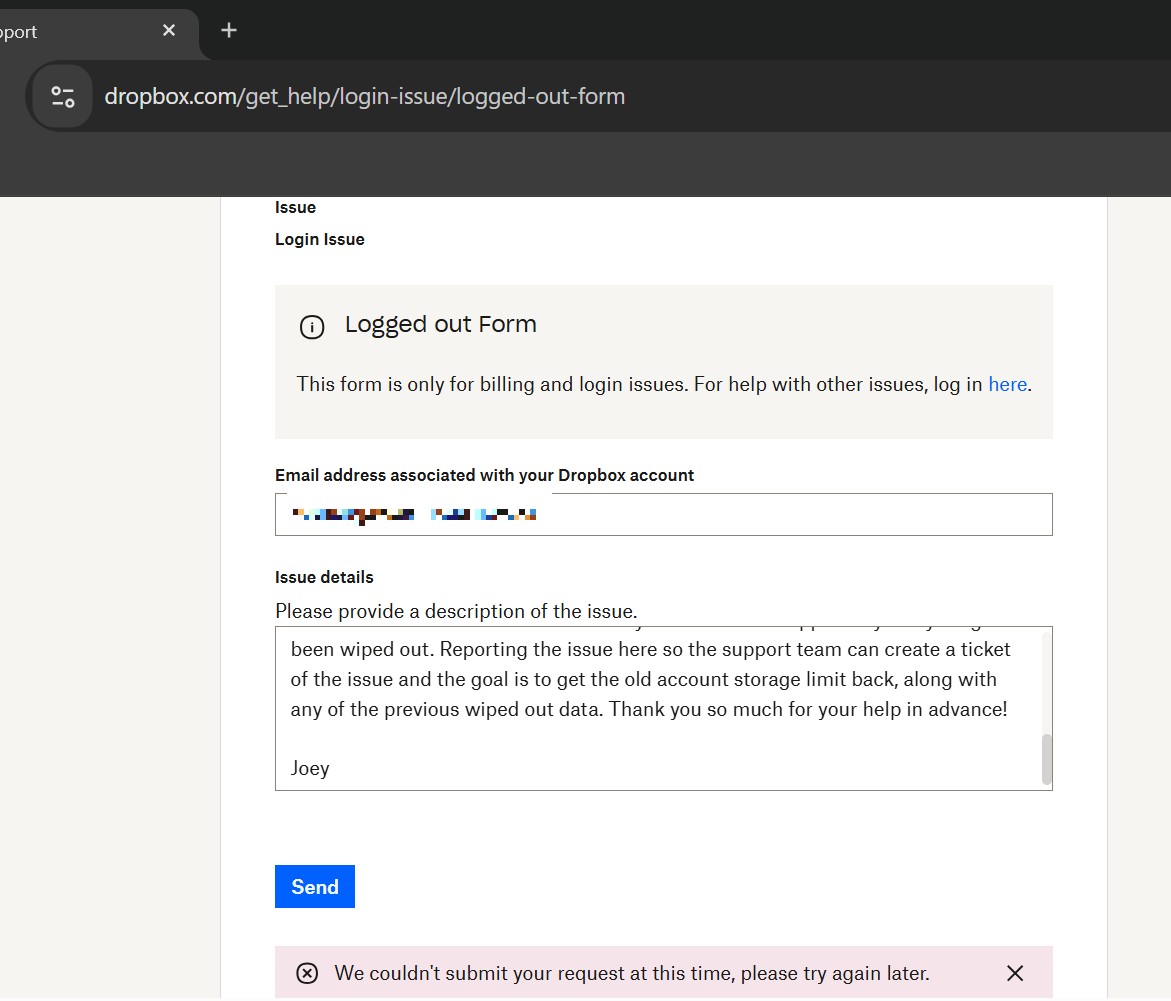
- Jay6 months ago
Thanks for the info, I've sent you an email, please could you reply to it when you get a chance?

About Delete, Edit, and Organize
Solve issues with deleting, editing, and organizing files and folders in your Dropbox account.
The Dropbox Community team is active from Monday to Friday. We try to respond to you as soon as we can, usually within 2 hours.
If you need more help you can view your support options (expected response time for an email or ticket is 24 hours), or contact us on X, Facebook or Instagram.
For more info on available support options for your Dropbox plan, see this article.
If you found the answer to your question in this Community thread, please 'like' the post to say thanks and to let us know it was useful!


