Your workflow is unique 👨💻 - tell us how you use Dropbox here.
Forum Discussion

JeffreyMcLaren
2 months agoNew member | Level 2
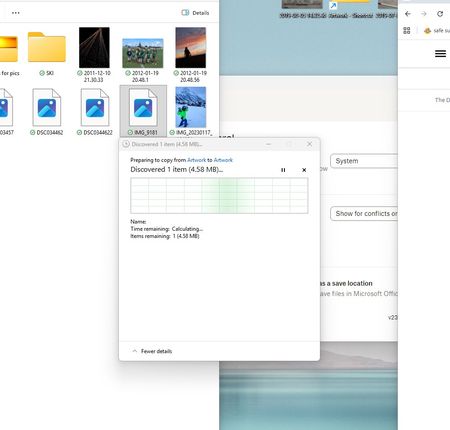
I can't move, copy or delete content from within the Dropbox folder on my Windows 11.
Device My awesome PC Operating System/Browser (if using the web) Win11 Dropbox App Version (if using the app) 238.4.6075
Question or Issue We have old/historical jpeg/photos on drop box. I a...

Megan Dropbox Community Moderator
2 months agoDropbox Community ModeratorHi JeffreyMcLaren, welcome to our Community!
Do you try to move them on a different path inside your Dropbox folder, or outside of it?
Also, it might sound trivial but have you tried rebooting your device at all? If you quit the desktop app using these steps and then try again, do you notice the same behavior?
Keep me posted, and we'll take it from there!
About Delete, Edit, and Organize
Solve issues with deleting, editing, and organizing files and folders in your Dropbox account.
The Dropbox Community team is active from Monday to Friday. We try to respond to you as soon as we can, usually within 2 hours.
If you need more help you can view your support options (expected response time for an email or ticket is 24 hours), or contact us on X, Facebook or Instagram.
For more info on available support options for your Dropbox plan, see this article.
If you found the answer to your question in this Community thread, please 'like' the post to say thanks and to let us know it was useful!


