Our Community is in read-only mode until April 8th, learn more here. You can still search existing threads or get help via Dropbox Support, the Dropbox Help Center, or Learn.
Forum Discussion

EB10
1 year agoExplorer | Level 3
I'm getting an error when clicking on the "Add to Dropbox" button for shared files.
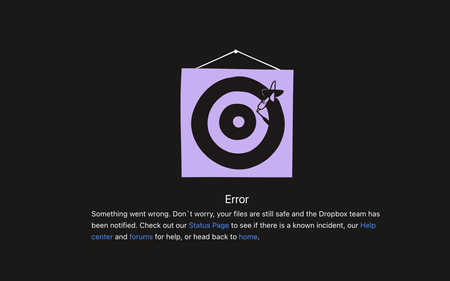
I am receiving emails with files shared with me from a client. However every time I click on the button in the email "Add to Dropbox" I receive this error and I am unable to access the files.
...

Mark Super User II
1 year agoSuper User IICan I just ask EB10 how much quota do you have available at www.dropbox.com/account ? Is it enough to accept the share? If not that could be the issue.

EB10
1 year agoExplorer | Level 3
I am using the free version and I confirmed my colleague is also using the free version who does not have the same issues.
I set up my account specifically to access the files from our client, I do not use it for anything else.
- Megan1 year ago
Dropbox Community Moderator
Hey EB10, let me also jump in here!
You mentioned that you try to access the shared folder by adding it to your Dropbox account through the email that was sent your way.
Have you tried accessing your sharing tab online, to see if you can add the folder that way?
- EB101 year agoExplorer | Level 3
Hi Megan,
I have checked the Shared section and I do not have any folders there.
To clarify, did you mean I create a new folder and have the client upload files there instead?
Thanks.

About Create, Upload, and Share
Find help to solve issues with creating, uploading, and sharing files and folders with Dropbox.
The Dropbox Community team is active from Monday to Friday. We try to respond to you as soon as we can, usually within 2 hours.
If you need more help you can view your support options (expected response time for an email or ticket is 24 hours), or contact us on X, Facebook or Instagram.
For more info on available support options for your Dropbox plan, see this article.
If you found the answer to your question in this Community thread, please 'like' the post to say thanks and to let us know it was useful!


