Our Community is in read-only mode until April 8th, learn more here. You can still search existing threads or get help via Dropbox Support, the Dropbox Help Center, or Learn.
Forum Discussion

royd1000
7 years agoExplorer | Level 4
import a document from word to paper
Hello, I think I had this usefull feature before and i can't find it now. How do I import a word document to paper ? Thanks
- 7 years agoWhile the "Import doc" feature on Paper home 🏠 has been temporarily disabled, you can still insert any file into Dropbox Paper. Please do let me know here in case you have any additional questions after having a look at resource I linked above & I’ll do my best to check back with you. Take care & happy 📝 editing until we talk again!

Jane Dropbox Staff
6 years agoDropbox StaffHey peytonstafford, thanks for checking in with us!
For starters, you should be able to access your Dropbox files in Paper through the ribbon you’re seeing at the bottom as you’re editing a Paper doc. You can also drag and drop any file in Dropbox, as long as it's under 50 MB. Was there any special formatting that didn’t make it across?
Let me know whenever you get a chance!

peytonstafford
6 years agoHelpful | Level 6
Hi Jane,
Thank you for your response. Unfortunately, I do not see a ribbon at the bottom of my Paper documents, and when I view the Word file under discussion in Dropbox, the options to open it are MicroSoft Word or to show it in Finder. There is no longer the option to open it in Paper. Am I missing something?
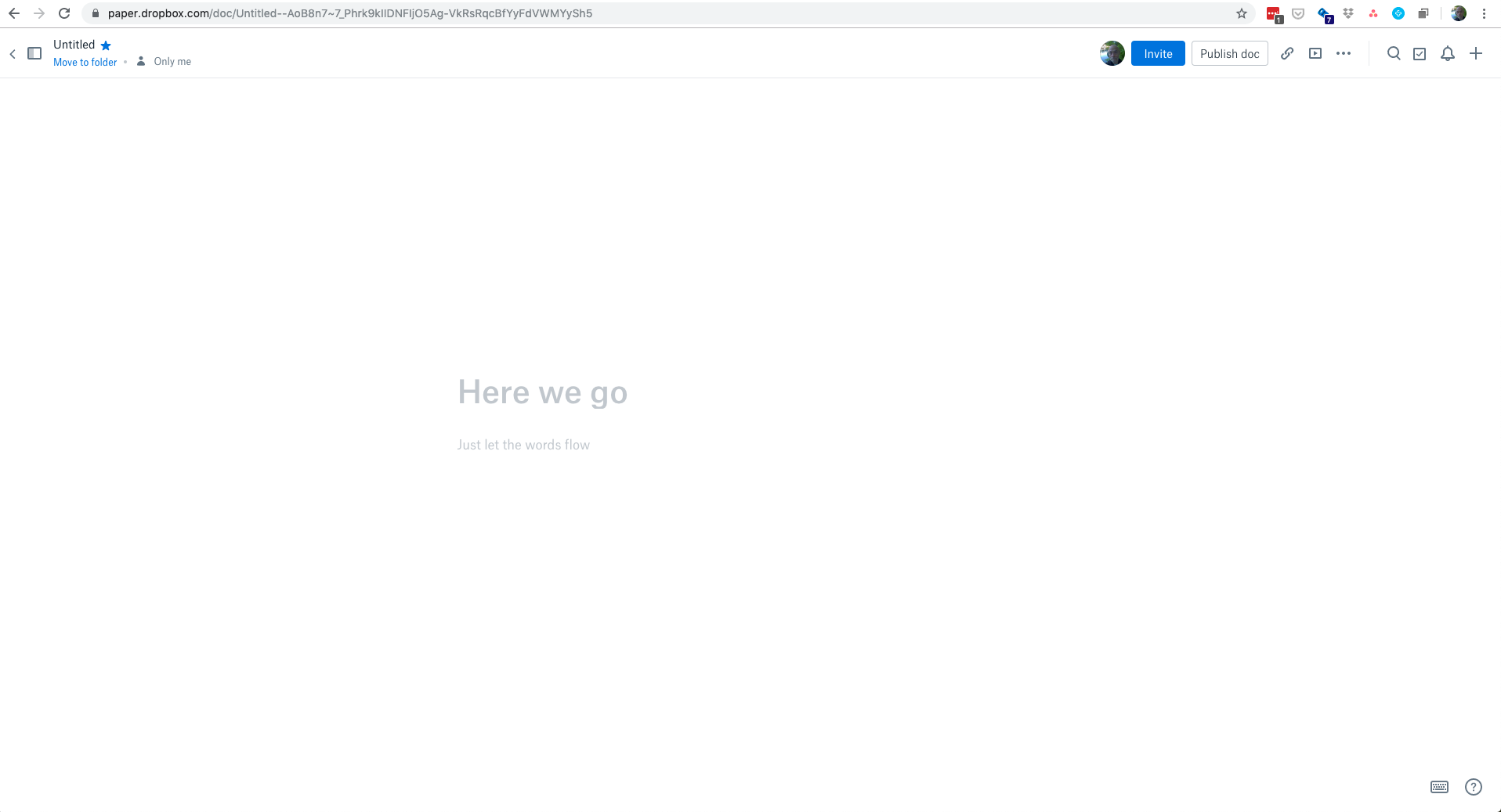
- Jane6 years agoThanks for checking my pointers & keeping me in the loop here peytonstafford!We may be viewing something different, however I’d be interested in seeing what a blank new Paper doc looks on your end to better understand the differences. If that’s okay with you, could you include a screenshot (without personal info) in your next message?Re-iterating from my last comment, instead of importing your files from Dropbox to Paper, you can drag & drop them inside a Paper doc. If you’ve already stored this file in your Dropbox account, you should get a brief note about the match.[On a brief sidenote, this thread was initially created (almost) a year ago, so the feature has evolved since then.]I’ll be awaiting this screenshot to further advise. Thanks again!
- peytonstafford6 years agoHelpful | Level 6
Thanks, again, Jane. Here is the screenshot you requested.
- Jane6 years agoThanks for the screen grab peytonstafford!
Thanks again for keeping in touch; please let me know how you get on with my suggestion!
About Apps and Installations
Have a question about a Dropbox app or installation? Reach out to the Dropbox Community and get solutions, help, and advice from members.
The Dropbox Community team is active from Monday to Friday. We try to respond to you as soon as we can, usually within 2 hours.
If you need more help you can view your support options (expected response time for an email or ticket is 24 hours), or contact us on X, Facebook or Instagram.
For more info on available support options for your Dropbox plan, see this article.
If you found the answer to your question in this Community thread, please 'like' the post to say thanks and to let us know it was useful!


