Your workflow is unique 👨💻 - tell us how you use Dropbox here.
Forum Discussion

Relaxalot
2 years agoExplorer | Level 4
The Dropbox App on my MAC (MacOs 11.7.3) won't start
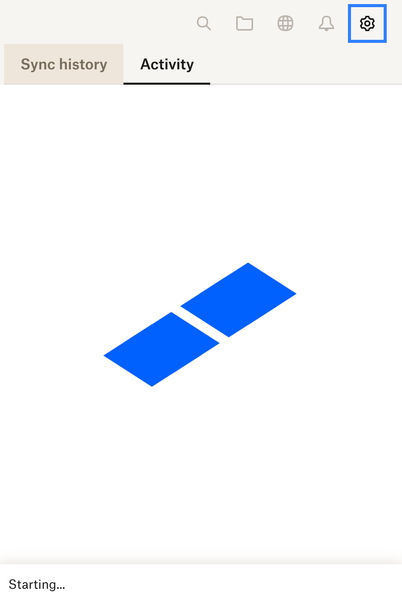
I've tried deleting and re downloading but it just sits there showing status as "starting". I've checked and corrected permissions.

Relaxalot
2 years agoExplorer | Level 4
Hi Megan,
I've uninstalled Dropbox and then tried re-installing it both ways (online and off-line). In neither case at any stage during installation can I see settings or advanced settings......
Relaxalot
2 years agoExplorer | Level 4
Hi Megan,
OK, I worked out that do install completely cleanly, I needed to move/rename my local Dropbox folder. The installation process then goes through a full setup and I was able to select advanced settings and deselect all folders as per your suggestion. Unfortunately that hasn't solved the problem as the icon on the toolbar at the top of the MAC screen still shows Dropbox "starting" but it never completes.


About Apps and Installations
Have a question about a Dropbox app or installation? Reach out to the Dropbox Community and get solutions, help, and advice from members.
The Dropbox Community team is active from Monday to Friday. We try to respond to you as soon as we can, usually within 2 hours.
If you need more help you can view your support options (expected response time for an email or ticket is 24 hours), or contact us on X, Facebook or Instagram.
For more info on available support options for your Dropbox plan, see this article.
If you found the answer to your question in this Community thread, please 'like' the post to say thanks and to let us know it was useful!


