Your workflow is unique 👨💻 - tell us how you use Dropbox here.
Forum Discussion

JAXSIMON
2 years agoExplorer | Level 4
Preferences do not appear when I open the app in the system tray
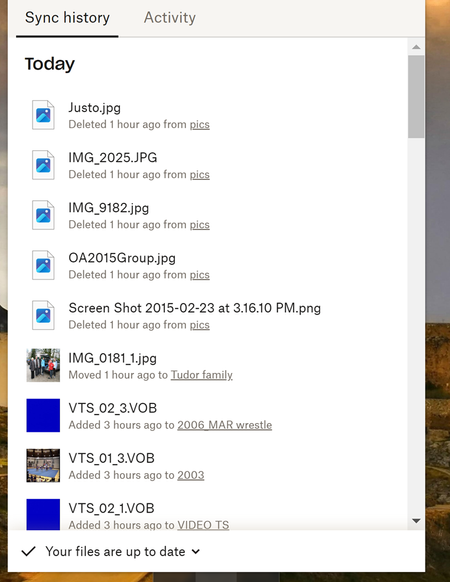
I am using Dropbox on windows 10 When I open the DB app in the system tray there is only Sync History and Activity tabs (pasted below) - no avatar or settings (I want to change the selective sync se...


About Settings and Preferences
The Dropbox Community is here to help if you have questions about your account settings and preferences. Learn and share advice with members.
The Dropbox Community team is active from Monday to Friday. We try to respond to you as soon as we can, usually within 2 hours.
If you need more help you can view your support options (expected response time for an email or ticket is 24 hours), or contact us on X, Facebook or Instagram.
For more info on available support options for your Dropbox plan, see this article.
If you found the answer to your question in this Community thread, please 'like' the post to say thanks and to let us know it was useful!


