Our Community is in read-only mode until April 8th, learn more here. You can still search existing threads or get help via Dropbox Support, the Dropbox Help Center, or Learn.
Forum Discussion

Amy Community Manager
4 years agoCommunity ManagerWhat’s new: Dropbox Capture
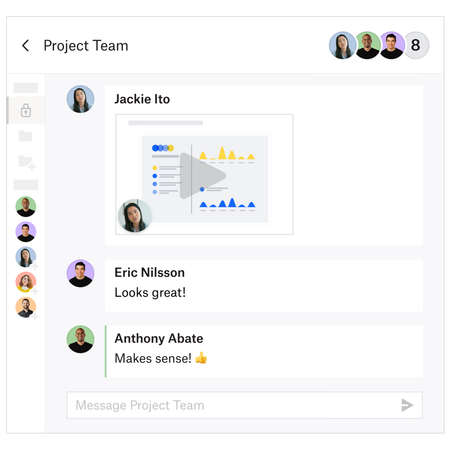
We’ve all been to a lot of online meetings this year, whether it’s for work, school or just to catch up with friends and family. I think we all know the feeling when a meeting isn’t exactly…. necessa...

YoucefDropbox Dropbox Staff
4 years agoDropbox StaffThank you so much, Amy, for posting this. My name is Youcef, and I'm from the Dropbox team working on Capture. Super excited to have you all try this product. I can't wait to hear your feedback. I will be around in the community answering any of your questions and feedback.

Pascal M.7
4 years agoNew member | Level 2
Hello,
I am currently working in multiscreen. When I want to take a screenshot on my second screen, it doesn't work. Any idea to solve this problem?
- YoucefDropbox4 years ago
So sorry about this. Would you mind reaching out to support on support-capture-feedback@dropbox.com? I can assist you there. Would be great also if you can confirm which app version of Capture you are running. Thank you so much!
About Dropbox Tips and Tricks
Find helpful advice and smart ways to get more out of Dropbox.473 PostsLatest Activity: 2 years ago
The Dropbox Community team is active from Monday to Friday. We try to respond to you as soon as we can, usually within 2 hours.
If you need more help you can view your support options (expected response time for an email or ticket is 24 hours), or contact us on X, Facebook or Instagram.
For more info on available support options for your Dropbox plan, see this article.
If you found the answer to your question in this Community thread, please 'like' the post to say thanks and to let us know it was useful!


