Our Community is in read-only mode until April 8th, learn more here. You can still search existing threads or get help via Dropbox Support, the Dropbox Help Center, or Learn.
Forum Discussion

Amy Community Manager
4 years agoCommunity ManagerWhat’s new: Dropbox Capture
We’ve all been to a lot of online meetings this year, whether it’s for work, school or just to catch up with friends and family. I think we all know the feeling when a meeting isn’t exactly…. necessa...
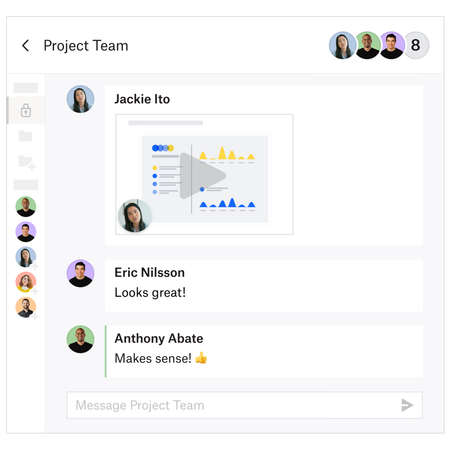

Theiring
4 years agoNew member | Level 2
I love Dropbox Capture and I'm wondering if there's a way to record more than 5 minutes of video?

YoucefDropbox Dropbox Staff
3 years agoDropbox StaffHi there!
Youcef here from the Dropbox Capture team. I just wanted to follow up and let you know that our most requested feature is here — you can record for longer than 5 minutes on Capture for free.
Just make sure you are running the latest version of the app (v77.0.9). You can know which version of the app you have by opening Capture > Clicking on the 3 dots menu on the top right > Preferences, and you will see the version at the bottom.
To update the app:
- macOS: Open Capture > Click on the 3 dots menu on the top right > Check for updates - If it does not work, close the app, then reopen
- Windows: Close the app and reopen it. Alternatively, download the latest version on https://www.dropbox.com/capture/install
Let me know what you think about it.
Thank you so much!
About Dropbox Tips and Tricks
Find helpful advice and smart ways to get more out of Dropbox.473 PostsLatest Activity: 2 years ago
The Dropbox Community team is active from Monday to Friday. We try to respond to you as soon as we can, usually within 2 hours.
If you need more help you can view your support options (expected response time for an email or ticket is 24 hours), or contact us on X, Facebook or Instagram.
For more info on available support options for your Dropbox plan, see this article.
If you found the answer to your question in this Community thread, please 'like' the post to say thanks and to let us know it was useful!


