Our Community is in read-only mode until April 8th, learn more here. You can still search existing threads or get help via Dropbox Support, the Dropbox Help Center, or Learn.
File requests
2 TopicsTell Us How You Use Dropbox
No two people use Dropbox in exactly the same way. Some of you rely on it every day for work, others for school, creative projects, or keeping life organized - and we love that. We’d love to hear how you’re using Dropbox today - is it something you use once in a while, is it part of your day to day, are there any features you can’t live without? What workflows have you built that save time or reduce friction? And where do you see opportunities for us to do better? Your tips, ideas, and honest feedback really help us to make sure we can share useful tips, and they help other community members discover new ways to get more out of Dropbox too. Share your experience, favorite features, or suggestions in the comments below. Your voice truly helps shape the future of the Dropbox community 😁 The Dropbox Community Team3.9KViews4likes14CommentsHow to request a Dropbox file
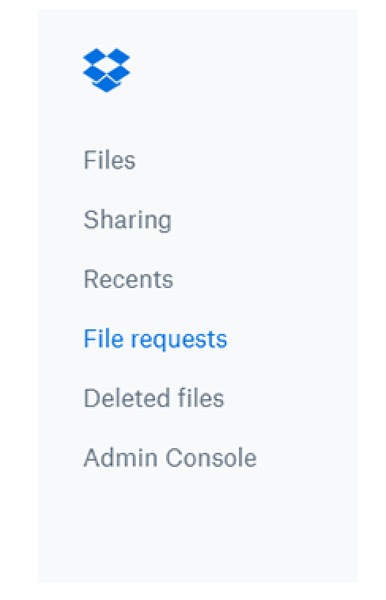
Dropbox is amazing as a collaborative tool - and collaboration goes both ways, so while you might be great at sharing files with your team, not everyone is. Don’t worry though, that doesn’t mean you’re stuck without your files - you can just request access and carry on! You might have seen us sharing tips on how to share your files with others here, well now we are going to flip that, and explain how you can request someone else’s files. Why would I need to request a Dropbox file? Let’s say that you discuss a file with a teammate in a meeting, and they promise to share the file with you. The next day, you notice you don’t have access yet. Looks like your teammate got pulled into a meeting right after you spoke and completely forgot to add you to the file. No problem, you can use Dropbox file requests to eliminate stress for you, and for them! Some other reasons you might want to use file requests: Anyone can send you a file you've requested, whether they have a Dropbox account or not. All the files you collect are automatically organized into a Dropbox folder you choose. People who upload files to your file request cannot access your Dropbox account. Only you can view files uploaded by others, unless you decide to share them. How do I request a Dropbox file? That all sounds good, so how do I request the files I need? Easy, just follow the steps below. Sign in to dropbox.com. Click File requests in the left sidebar. Click New request above the list of file requests. Under Title, enter a name for your request. Under Description, add details about the request, if you’d like. Choose the folder where uploaded files will go. You’ll see a default folder path. f you want to change it, click Change folder and pick a different destination.  (Optional) Set a deadline for submissions (available on some plans).  Click Create. Invite people to upload files: Type the email or name of the person (or people) you want to request files from - they’ll receive an email invitation. Or click Copy link to copy the upload link and share it wherever you want.  If you already know the exact link of the file you want access you can simply add it to the request: To copy a link instead, click Copy next to Share a link instead. You can paste the link into an email, message, or wherever you’d like people to access it. Click Share. You’ll receive an email confirmation, and an email notification when files are uploaded to your file request. Now you can get access to your files in no time! And if that wasn’t enough info, you can learn even more here. Tell us how you collaborate with your team in the comments below.2KViews0likes1Comment