Our Community is in read-only mode until April 8th, learn more here. You can still search existing threads or get help via Dropbox Support, the Dropbox Help Center, or Learn.
Forum Discussion

tsveg1
8 months agoExplorer | Level 3
Excel file reverted to older version and I get an error when checking its version history
Hi,
An excel file was reverted to an old version, 31/01/2023. And this is a file that I edited every month.
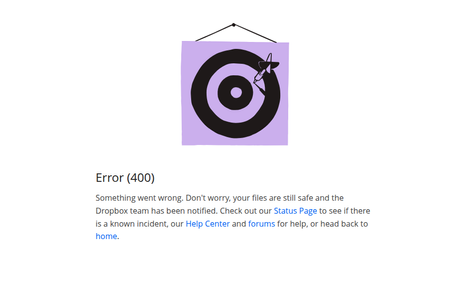
If I check the history of file obtain:

tsveg1
8 months agoExplorer | Level 3
It's ok Nancy.
I try with a differend browser, and i getting the same error.
If i try with a different file there is no problem, i see the complete history.
- Megan8 months ago
Dropbox Community Moderator
Hi there, tsveg1!
When visiting your events page here, what do you see in regards to this specific file? When was the last time it was edited?
Can you send me a couple of screenshots please, in order for me to have a visual?
- tsveg18 months agoExplorer | Level 3
Yes of course, thanks for your interest.
And in the events page i see anly one events on this file, that was 31/1/2023:
The problem i that i try to view history of this file i obtain:
I i try with history of txt file i obtain:
And thi is correct because i havent more touch that file, otherwise the excel file
- Hannah8 months ago
Thanks for the additional info and screenshots, tsveg1.
Can you let us know how you were editing the file? Were you using the Excel program on your computer and working on the file directly through your local Dropbox folder?
Was it perhaps through the Dropbox mobile app or the Dropbox website?


About Delete, Edit, and Organize
Solve issues with deleting, editing, and organizing files and folders in your Dropbox account.
The Dropbox Community team is active from Monday to Friday. We try to respond to you as soon as we can, usually within 2 hours.
If you need more help you can view your support options (expected response time for an email or ticket is 24 hours), or contact us on X, Facebook or Instagram.
For more info on available support options for your Dropbox plan, see this article.
If you found the answer to your question in this Community thread, please 'like' the post to say thanks and to let us know it was useful!


