Our Community is in read-only mode until April 8th, learn more here. You can still search existing threads or get help via Dropbox Support, the Dropbox Help Center, or Learn.
Forum Discussion

markgoodfellow
2 months agoNew member | Level 2
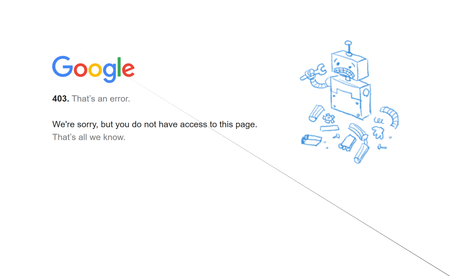
I'm seeing a 403 error when trying to upload files from Google Drive to Dropbox.
Device
HP pavillion Operating System/Browser (if using the web)
(Windows 11) Syncing Status
("Up to date")
Question or Issue
Using the Upload tab and "import from google drive" ...

Nancy Dropbox Community Moderator
2 months agoDropbox Community ModeratorHi markgoodfellow! Welcome to our forum.
Can you also clarify the current browser that you’re using?
Have you tried uploading Google Drive files to your Dropbox account from a different browser, and you’re receiving the exact same error message?
Finally, are you able to normally access your Google Drive account outside of Dropbox?
Let me know.
About Create, Upload, and Share
Find help to solve issues with creating, uploading, and sharing files and folders with Dropbox.
The Dropbox Community team is active from Monday to Friday. We try to respond to you as soon as we can, usually within 2 hours.
If you need more help you can view your support options (expected response time for an email or ticket is 24 hours), or contact us on X, Facebook or Instagram.
For more info on available support options for your Dropbox plan, see this article.
If you found the answer to your question in this Community thread, please 'like' the post to say thanks and to let us know it was useful!


