Our Community is in read-only mode until April 8th, learn more here. You can still search existing threads or get help via Dropbox Support, the Dropbox Help Center, or Learn.
Forum Discussion

SamuelMelle
3 years agoExplorer | Level 3
Drobox client open but won't start (Stuck in a loop)
Hello, I really need your help with this problem I have on Windows 10 ( Build 19044.2130) with Dropbox (Version 159.4.5870)! Since a week, when I start my PC regularly I usually get a massage fro...
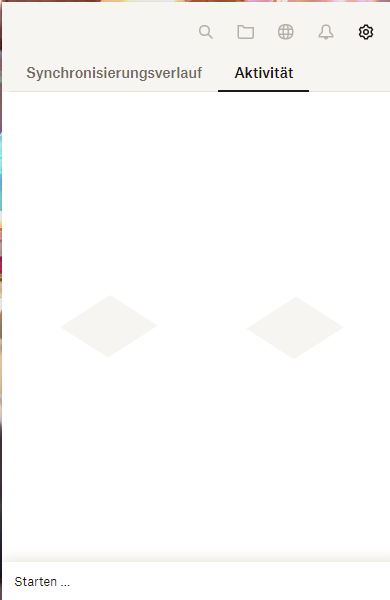
- 3 years ago
Hey SamuelMelle, sorry to hear about this.
Could you download and install the latest, stable version of the desktop app from this page and let me know how it goes?


SamuelMelle
3 years agoExplorer | Level 3
So the problem did come back. I uninstalled Dropbox and installed the version you linked me. It did not fix the problem.

Nancy Dropbox Community Moderator
3 years agoDropbox Community ModeratorHi SamuelMelle! I hope you’re doing well.
Just to clarify, does this issue occur every time you restart your device? Also, do you keep receiving the same "Dropbox has unexpectedly quit” error, even now?
Can you please check all the info provided here, and let me know if any of it seems to help?
- SamuelMelle3 years agoExplorer | Level 3
Hi, right now it seems to work again after installing the version provided by you. It stopped crashing and it starts and syncs normally. Thank you very much!
I will mark this post as solved until the error comes back. If that happened I will reply to your last comment. Thank you in advance and I hope the error won't come back again!
- Nancy3 years ago
Fingers crossed!
In case you need any further help though, I’ll be around the Community.
Have a wonderful weekend ahead.
About Apps and Installations
Have a question about a Dropbox app or installation? Reach out to the Dropbox Community and get solutions, help, and advice from members.
The Dropbox Community team is active from Monday to Friday. We try to respond to you as soon as we can, usually within 2 hours.
If you need more help you can view your support options (expected response time for an email or ticket is 24 hours), or contact us on X, Facebook or Instagram.
For more info on available support options for your Dropbox plan, see this article.
If you found the answer to your question in this Community thread, please 'like' the post to say thanks and to let us know it was useful!


