Our Community is in read-only mode until April 8th, learn more here. You can still search existing threads or get help via Dropbox Support, the Dropbox Help Center, or Learn.
Forum Discussion

maxgerard
1 year agoExplorer | Level 3
Drobox installation without admin rights slows down Windows Explorer massively
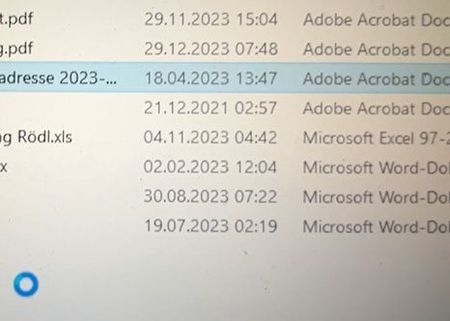
I rely on the offline installation file to install Dropbox without admin rights, as the admin no longer permits the full installation of Dropbox on my work computer.
With this installation, Dropb...

maxgerard
1 year agoExplorer | Level 3
Yes Nancy, I am using the full version now. Please see above.

Megan Dropbox Community Moderator
1 year agoDropbox Community ModeratorHey maxgerard, one last thing: does the issue persist if you try to boot to safe mode?
Hold the Shift key while clicking Restart from Shut down or sign out menu. Select Troubleshoot > Advanced options > Startup Settings >Restart. After the PC restarts, a list of options will be shown. Select 4 or F4 or Fn+F4 (following the on-screen instructions) to start the PC in Safe Mode.
About Apps and Installations
Have a question about a Dropbox app or installation? Reach out to the Dropbox Community and get solutions, help, and advice from members.
The Dropbox Community team is active from Monday to Friday. We try to respond to you as soon as we can, usually within 2 hours.
If you need more help you can view your support options (expected response time for an email or ticket is 24 hours), or contact us on X, Facebook or Instagram.
For more info on available support options for your Dropbox plan, see this article.
If you found the answer to your question in this Community thread, please 'like' the post to say thanks and to let us know it was useful!


