Your workflow is unique 👨💻 - tell us how you use Dropbox here.
Forum Discussion

Anonymous
7 years agoiPhone app not opening any file type
The Dropbox app on my iPhone X iOS 12.1.2 wont open any file type. All files sync fine from desktop and show up on the mobile app with a thumbnail image preview, but when tapped to open the loading gr...
- 7 years agoUpgrading to iOS 12.1.3 seems to fix the issue!
Es3
6 years agoNew member | Level 2
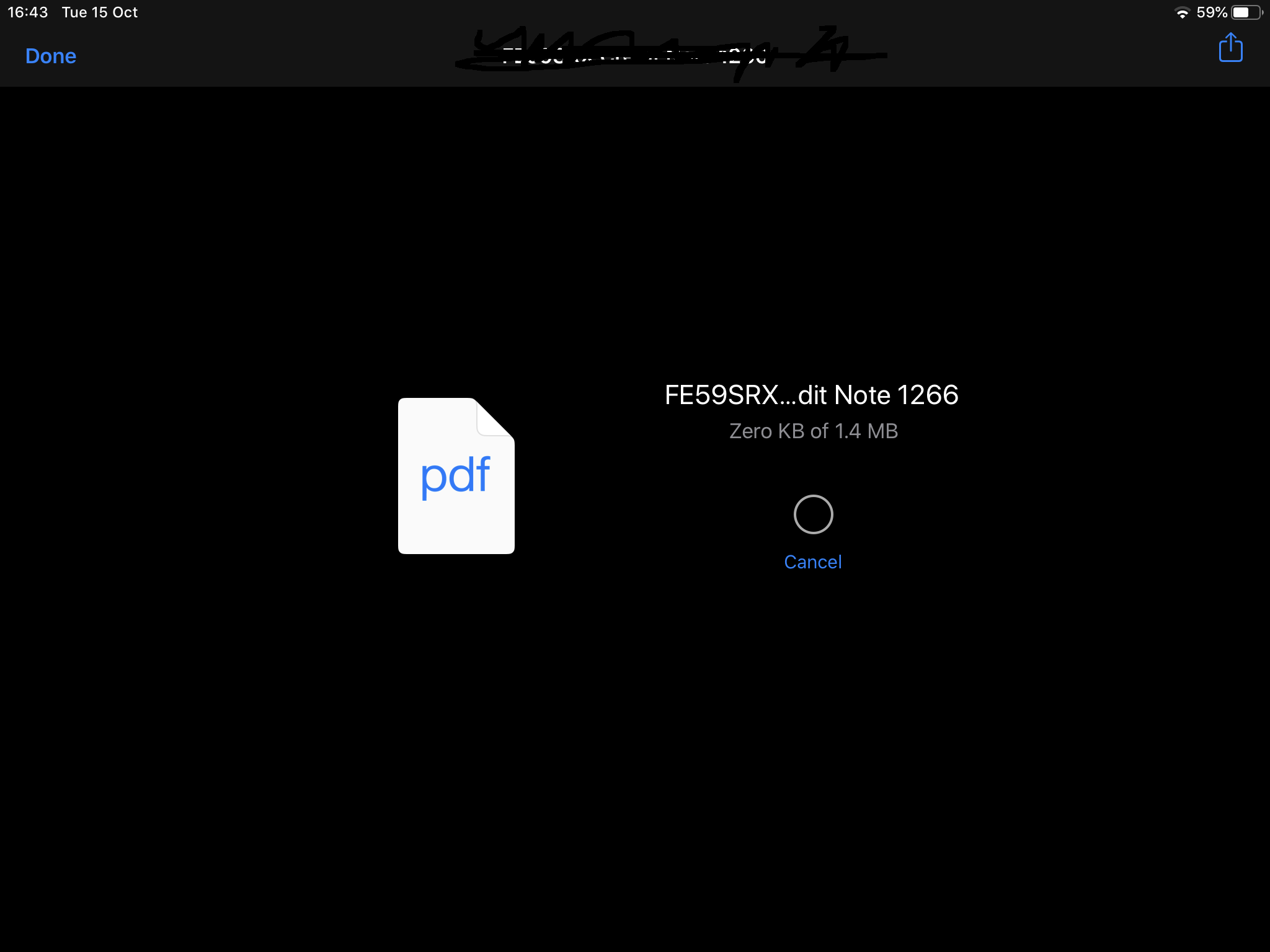
It's the same issue what others described before. It loats preview in Files app but when you press to open then loading circle keeps spinning and not opening.
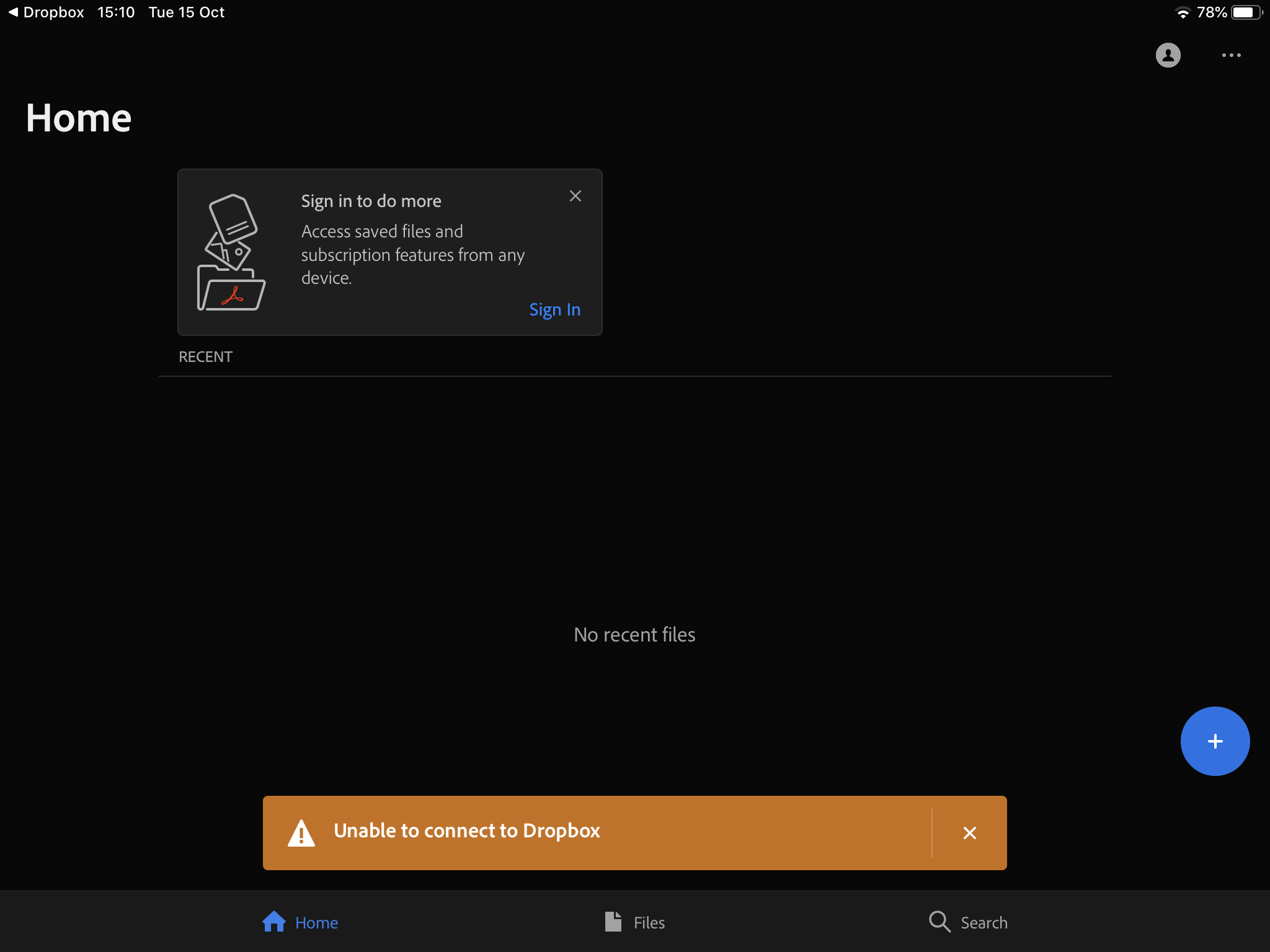
Also I've tried using dropbox app to work with with some pdf files and every now and then when I try to open PDF file with Adobe Acrobat Reader every now and then it shows "Could not connect to dropbox".
It's an intermittend error and comes and goes, but guys this is BS, it need to be sorted out as these problems been around for months.

Walter Dropbox Community Moderator
6 years agoDropbox Community ModeratorThanks for the quick response Es3 - it's most appreciated.
At first, let me clarify that the Files app is an application owned and maintained by Apple; if you're having issues with how your files are previewed within its ecosystem, you should report this to Apple directly.
If you'd like to look into this with our support team though, feel free to submit your ticket through the following page: https://www.dropbox.com/support
Let me know if there's anything I can assist with!
- Es36 years agoNew member | Level 2
Of course - Files app is owned by apple, Adobe reader is owned by Adobe and Windows 10 is owned by Microsoft (couple days ago after installing dropbox on my desktop it stopped syncing files so had to re-install dropbox) and somehow they all apparently have issues with dropbox.
Screenshots attached, please get this sorted.
About Apps and Installations
Have a question about a Dropbox app or installation? Reach out to the Dropbox Community and get solutions, help, and advice from members.
The Dropbox Community team is active from Monday to Friday. We try to respond to you as soon as we can, usually within 2 hours.
If you need more help you can view your support options (expected response time for an email or ticket is 24 hours), or contact us on X, Facebook or Instagram.
For more info on available support options for your Dropbox plan, see this article.
If you found the answer to your question in this Community thread, please 'like' the post to say thanks and to let us know it was useful!


