Our Community is in read-only mode until April 8th, learn more here. You can still search existing threads or get help via Dropbox Support, the Dropbox Help Center, or Learn.
Forum Discussion

fredricstewart
3 years agoExplorer | Level 4
Problem with MacOs Ventura 13.0 on my MacBook Pro
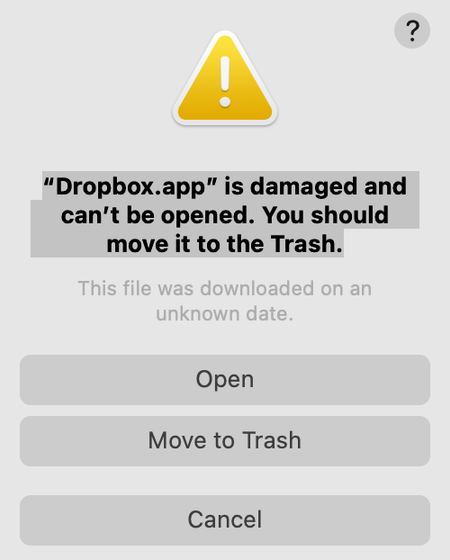
When my MacBook rebooted after upgrading to Ventura 13.0, I got this message:
“Dropbox.app” is damaged and can’t be opened. You should move it to the Trash.
I clicked on "Cancel" and put ...

Nancy Dropbox Community Moderator
3 years agoDropbox Community ModeratorGlad to hear your app’s back to normal, fredricstewart!
sharikov, are you receiving the exact same error as the one mentioned above? Did you try Jay's suggestion and there’s no difference?

plttvmt
3 years agoNew member | Level 2
Hi Nancy, for me same error (dropbox.app damaged) and freshly downloaded installer does not open. MacBook Pro 13" M2 2022 just upgraded to Ventura OS.
Close to panicking.
Thank you for your help.
- Nancy3 years ago
Hi Dantep and plttvmt, I’m sorry to hear you’re having this issue, as well.
Have you both tried our offline installer? Does it seem to work now?
Let me know.
About Apps and Installations
Have a question about a Dropbox app or installation? Reach out to the Dropbox Community and get solutions, help, and advice from members.
The Dropbox Community team is active from Monday to Friday. We try to respond to you as soon as we can, usually within 2 hours.
If you need more help you can view your support options (expected response time for an email or ticket is 24 hours), or contact us on X, Facebook or Instagram.
For more info on available support options for your Dropbox plan, see this article.
If you found the answer to your question in this Community thread, please 'like' the post to say thanks and to let us know it was useful!


