Your workflow is unique 👨💻 - tell us how you use Dropbox here.
Forum Discussion

fedeboraxx
2 years agoHelpful | Level 7
URGENT - Dropbox has created a new Dropbox folder.
Hi,
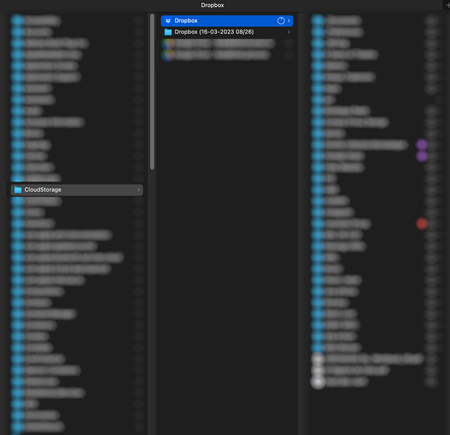
I restarted my mac, and when it booted up, Dropbox started to download a WHOLE NEW COPY of everything in my machine. Now I don't know where my latest versions are, and I'm running out of space....

Jay Dropbox Community Moderator
2 years agoDropbox Community ModeratorOkay, so you're running the newer version of the Dropbox desktop application for Mac OS.
When you right click the files to make them available offline, do they get a green icon with a white tick in it?

fedeboraxx
2 years agoHelpful | Level 7
No more green icons, just this new cloud image:
- Jay2 years ago
The cloud icon means files are online-only, while no cloud means files are available. To be available offline, they need to be marked as such.
Could you take a screenshot of Finder showing the context menu for the file that it's available offline?
- fedeboraxx2 years agoHelpful | Level 7
I get it. The issue is that I'm marking files to be offline, and then Dropbox forgets this and makes me do it all over again.
About Apps and Installations
Have a question about a Dropbox app or installation? Reach out to the Dropbox Community and get solutions, help, and advice from members.
The Dropbox Community team is active from Monday to Friday. We try to respond to you as soon as we can, usually within 2 hours.
If you need more help you can view your support options (expected response time for an email or ticket is 24 hours), or contact us on X, Facebook or Instagram.
For more info on available support options for your Dropbox plan, see this article.
If you found the answer to your question in this Community thread, please 'like' the post to say thanks and to let us know it was useful!


