Our Community is in read-only mode until April 8th, learn more here. You can still search existing threads or get help via Dropbox Support, the Dropbox Help Center, or Learn.
Forum Discussion

JPDemers
2 years agoHelpful | Level 5
MacOS Finder windows reverting from Dropbox folders to root directory
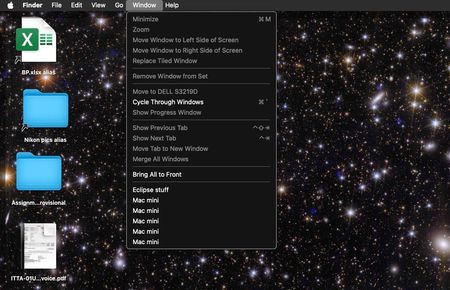
I have an M1 Mini (OS 14.3) with two monitors, and since I'm always working on multiple projects, each with its own folder, I keep Finder windows open for each of them, some on different deskt...

Nancy Dropbox Community Moderator
2 years agoDropbox Community ModeratorJust to clarify, if you check your menu bar again, close to your clock settings, there’s no Dropbox icon there?
What if you open your Finder > Applications folder, and relaunch the Dropbox app?

JPDemers
2 years agoHelpful | Level 5
The DB icon is present in the menu bar. If I terminate it in Activity Monitor, I can bring it back by re-launching the app. DB seems to be functioning normally; it's just the weird thing with folder windows reverting to root that's a problem.
- Jay2 years ago
Hi JPDemers, thanks for the information. Please could you contact the support team for them to look into this matter in more detail on their end.

About Integrations
Get help with third-party integrations from the Dropbox Community.
The Dropbox Community team is active from Monday to Friday. We try to respond to you as soon as we can, usually within 2 hours.
If you need more help you can view your support options (expected response time for an email or ticket is 24 hours), or contact us on X, Facebook or Instagram.
For more info on available support options for your Dropbox plan, see this article.
If you found the answer to your question in this Community thread, please 'like' the post to say thanks and to let us know it was useful!


