Our Community is in read-only mode until April 8th, learn more here. You can still search existing threads or get help via Dropbox Support, the Dropbox Help Center, or Learn.
Forum Discussion

amandajv
2 years agoExplorer | Level 4
Powerpoint for the Web not working. It's blank when I try to open documents.
Hello,
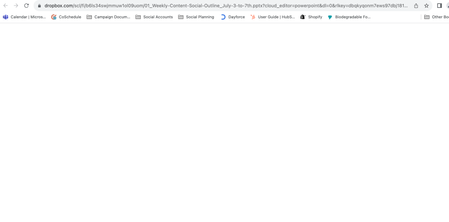
I am having issues opening up a PPT on the web through the Dropbox browser app. A new screen will upload but it will be completely blank- no error messages either.

Nancy Dropbox Community Moderator
2 years agoDropbox Community ModeratorPerfect, thanks for clarifying that!
What I’d like you to try, as the next step, is to open your browser, clear its cache and check for any pending updates.
Also, please restore your browser to its default settings and disable any browser plugins. The issue you're experiencing may be the result of a security setting or a plugin that you have installed on your browser.
Let me know if that seems to help at all.

amandajv
2 years agoExplorer | Level 4
Hello,
I have done all three things and it is still not working.
Is there a contact number to your customer service team? I have tried emailing but I have not got a response.
Thanks,
Amanda
- Nancy2 years ago
Thanks for trying all these steps, Amanda!
If you have any ticket numbers after attempting to reach out to our support team, can you please pass them on to me? I'd like to check this further.

About Integrations
Get help with third-party integrations from the Dropbox Community.
The Dropbox Community team is active from Monday to Friday. We try to respond to you as soon as we can, usually within 2 hours.
If you need more help you can view your support options (expected response time for an email or ticket is 24 hours), or contact us on X, Facebook or Instagram.
For more info on available support options for your Dropbox plan, see this article.
If you found the answer to your question in this Community thread, please 'like' the post to say thanks and to let us know it was useful!


