Your workflow is unique 👨💻 - tell us how you use Dropbox here.
Forum Discussion

Amy Community Manager
5 years agoCommunity ManagerDropbox Paper features to make your day easier
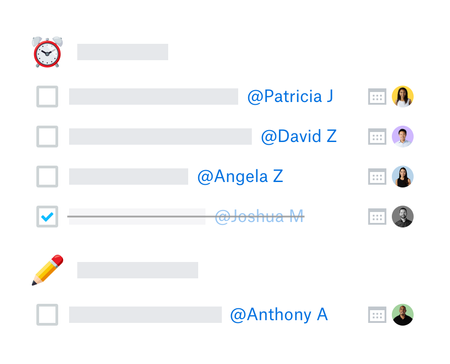
Much like it’s physical counterpart, Dropbox Paper can be used for almost anything but there are some things it is particularly useful for;
Planning projects - get all your thoughts and ideas...

NB141
1 year agoCollaborator | Level 8
@Tinchohs If you're asking these type of questions perhaps deep down you know the answer ... My guess is with the lack of activity and zero updates for quite some time Paper is very much on a back burner.... Personally I would be betting on a platform with a far bigger audience.
Have you had a look at the below.
Microsoft Loop: Collaborative App | Microsoft 365

Tinchohs
1 year agoCollaborator | Level 10
BTW. Google docs added late last year the collapse | expand functionality that Paper has, in case that's important to you. It does not work on iOS, but neither does Paper for that matter. I think that's the path I'll take.
About Dropbox Tips and Tricks
Find helpful advice and smart ways to get more out of Dropbox.471 PostsLatest Activity: 2 days ago
The Dropbox Community team is active from Monday to Friday. We try to respond to you as soon as we can, usually within 2 hours.
If you need more help you can view your support options (expected response time for an email or ticket is 24 hours), or contact us on X, Facebook or Instagram.
For more info on available support options for your Dropbox plan, see this article.
If you found the answer to your question in this Community thread, please 'like' the post to say thanks and to let us know it was useful!


