Your workflow is unique 👨💻 - tell us how you use Dropbox here.
Forum Discussion

Alex Dropbox Staff
4 years agoDropbox StaffRestoring deleted files
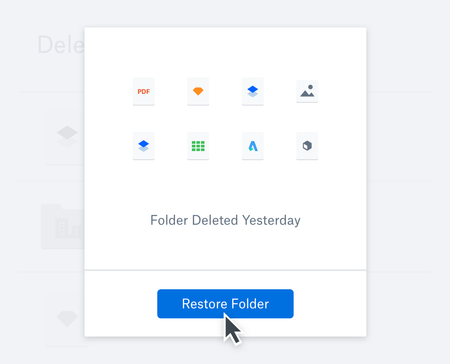
No matter how tech savvy, no matter how clairvoyant you are, we’ve all deleted a file we didn’t mean to, or discovered we weren’t quite finished with something yet, right after we clear it out. But l...

Megan Dropbox Community Moderator
4 years agoDropbox Community ModeratorHi dberkana!
You should be able to click on the blue hyperlink on the Events' page, and restore the content.
The option should be in the top right corner. If you do not see it there, let me know.
Also, you can have a closer look at this Help Center article, which will provide you with all the available options if you wish to restore missing content.
You should be able to click on the blue hyperlink on the Events' page, and restore the content.
The option should be in the top right corner. If you do not see it there, let me know.
Also, you can have a closer look at this Help Center article, which will provide you with all the available options if you wish to restore missing content.

About Dropbox Tips and Tricks
Find helpful advice and smart ways to get more out of Dropbox.472 PostsLatest Activity: 23 hours ago
The Dropbox Community team is active from Monday to Friday. We try to respond to you as soon as we can, usually within 2 hours.
If you need more help you can view your support options (expected response time for an email or ticket is 24 hours), or contact us on X, Facebook or Instagram.
For more info on available support options for your Dropbox plan, see this article.
If you found the answer to your question in this Community thread, please 'like' the post to say thanks and to let us know it was useful!


