Our Community is in read-only mode until April 8th, learn more here. You can still search existing threads or get help via Dropbox Support, the Dropbox Help Center, or Learn.
Dropbox Transfer
102 Topics
Can no longer add files to or export from Dropbox on my Kindle Fire
Device: Kindle Fire Max 11 Operating system on computer (Mac Mini): Mac OS 26.2 I was always able to download pdfs into SongBook Pro, moving them from my Mac to Dropbox, then using my Dropbox on the Kindle I would export them to SongBook Pro. It would show up on the mac's Dropbox but not the Kindle's Dropbox, plus I could not delete files on my Kindle's Dropbox. So I uninstalled the Dropbox on the Kindle, reinstalled it but now cannot sign into Dropbox. Instead I get a message, "Can't connect to Dropbox. Make sure you're online, or try again later". Tried it again with ""HAVING TROUBLE SIGNING IN", I get the same message. Yet everything else still works on my Kindle, easily accessing the internet (as you can see, I'm contacting you). The Kindle is new, (one month old). The older one was the same kind (Fire Max 11). DROPBOX TRANSFER165Views0likes2Comments
Recipients confused by the login prompt when downloading files from Transfer or shared link
When sharing files via Dropbox Transfer or a "view-only" link, the "Continue with download only" button is hidden at the bottom. This often confuses recipients because they think they must log in to download. I wish recipients weren't prompted to log in at all when they just want to download the files. Thank you for considering this improvement!Solved232Views1like3Comments
Remove login pop-up on Dropbox transfer downloads
This has been complained about numerous times and it is absurd that Dropbox seemingly refuses to change this. I've received so many complaints from clients with regards to them claiming they need to signup/give a password to download my transfers because the scummy "Or continue with download only" text is easily missable. Just allow people to click the link, view the files, and download without logging in. What else do I pay Dropbox for? I will move to another service soon if this is not changed.90Views0likes1Comment
Someone sent me a File Transfer, but it won't load.
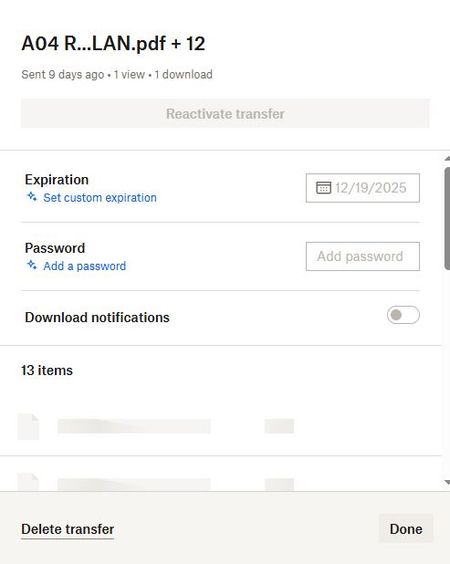
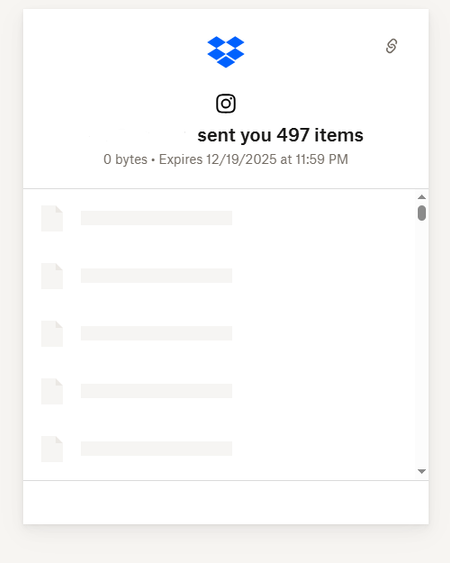
I received a dropbox transfer link from my photographer for my wedding pics but when I click "download" it just opens a link to the website but it stays loading. I haven't been able to see the pics or download them. I've also tried on 3 different devices, my phone, my mac and my work computer. This is what it looks like and they just simply don't load. Can someone help?155Views0likes4Comments
Can't Copy from Dropbox to Google Drive
I'm trying to copy some photos and an InDesign file from a Dropbox folder to a Google Drive folder and am getting an error that says "this file has properties that can't be copied to the new location" and asks me if I'd like to remove those properties and continue or cancel the copy action. I've found quite a few answers online that suspect this is a file system issue (NTFS vs FAT) but those scenarios were always people trying to copy from Dropbox on a local drive to a folder on an external drive. My Dropbox and Google Drive folders are both stored locally on my laptop, so they should both be using the same file system, right? I'm asking this here instead of Google forums because I was able to copy/paste files from a OneDrive folder to Google Drive with no issue, so I'm suspecting it's a Dropbox issue?Solved3.9KViews0likes4CommentsWhat is the difference between sharing a link or Dropbox Transfer?
What are the exact differences between choosing a folder and sharing the link of that folder to a person who doesnt have Dropbox, or using Dropbox Transfer to send that folder to the same person? Do not suggest me that that person should download Dropbox. He is not allowed to use it in his workplace since they use a different system. I have Dropbox Professional with University of Florida, I am employed there.Solved3KViews0likes7Comments
Why are my Dropbox Transfers showing as viewed?
This should be a simple solution but hard to find an aswer, here is my scenario: I send a test file "mskeys.txt", I put in my email address which is my companys email. I do not send this file to anyone, I do not share this file to any one. Here is my question, why is it that it reads 16 views, and 2 dowloads? I also tested this scenario with someone else and they had the same results, on a diffrent account, diffrent PC, diffrent email..whos viewing my file and who is dowloading my files?1.2KViews0likes6Comments