Our Community is in read-only mode until April 8th, learn more here. You can still search existing threads or get help via Dropbox Support, the Dropbox Help Center, or Learn.
Forum Discussion

Jensen_G
8 years agoExplorer | Level 3
unable to play back Dropbox MP3 files in iPhone web browser
I have a client who is using Dropbox to share MP3 files of his radio show. When he shares an mp3 file (e.g. https://www.dropbox.com/s/a788cb7ogkmr3tf/blainesworld-20170927.mp3?dl=0 ) the mp3 will pla...
- 8 years ago
Hi,
It is super easy to "fix" this issue and listen to the audio you shared on iPhone's Safari browser.
Just delete dl=0 at the end of the link and replace it with raw=1
Your link that you gonna share should look like this:
https://www.dropbox.com/s/a788cb7ogkmr3tf/blainesworld-20170927.mp3?raw=1
Basically, what you are doing by adding the raw=1 to the end of the link is hotlinking it. That's is sharing direct download link to the file. Anyone who clicks on hotlinked file will not see any of the Dropbox frames, logos, etc. It works for any type of file that you share.
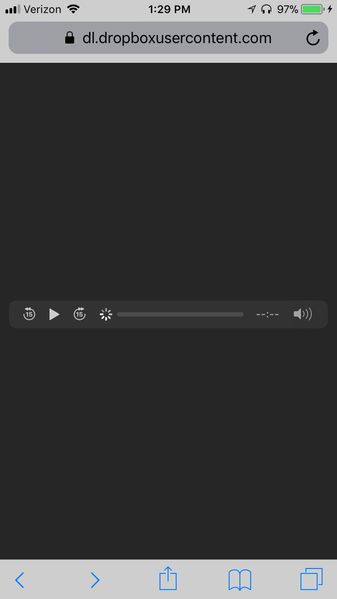
I just opened that link on my iPhone's Safari as well as on Chrome browser on my laptop and it is working with no issues. Here is the screenshot:
Hope this solution helps.

behzod Super User
8 years agoSuper UserHi,
It is super easy to "fix" this issue and listen to the audio you shared on iPhone's Safari browser.
Just delete dl=0 at the end of the link and replace it with raw=1
Your link that you gonna share should look like this:
https://www.dropbox.com/s/a788cb7ogkmr3tf/blainesworld-20170927.mp3?raw=1
Basically, what you are doing by adding the raw=1 to the end of the link is hotlinking it. That's is sharing direct download link to the file. Anyone who clicks on hotlinked file will not see any of the Dropbox frames, logos, etc. It works for any type of file that you share.
I just opened that link on my iPhone's Safari as well as on Chrome browser on my laptop and it is working with no issues. Here is the screenshot:
Hope this solution helps.

dennisred
8 years agoNew member | Level 2
Thank you SO very much! We are a small non-profit radio station. We share extra content with our monthly subscribers via Dropbox. We've had comments that people have not been able to listen on their phones. Now we have a solution!
About View, Download, and Export

Get support with viewing, downloading, and exporting files and folders from your Dropbox account.
The Dropbox Community team is active from Monday to Friday. We try to respond to you as soon as we can, usually within 2 hours.
If you need more help you can view your support options (expected response time for an email or ticket is 24 hours), or contact us on X, Facebook or Instagram.
For more info on available support options for your Dropbox plan, see this article.
If you found the answer to your question in this Community thread, please 'like' the post to say thanks and to let us know it was useful!


