Your workflow is unique 👨💻 - tell us how you use Dropbox here.
Forum Discussion

Nick K.19
2 years agoExplorer | Level 4
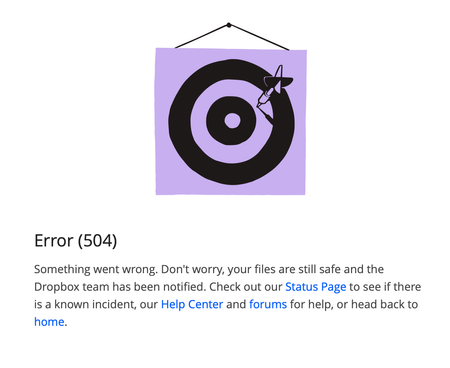
Error (504) when trying to restore a file
I have tried different browsers and incognito mode. Any other suggestions? I can navigate the rest of Dropbox's site just fine, this only happens when I try to restore a file to a previous ...

iwriteforme
2 years agoHelpful | Level 5
An attempt to post an asynchronous request to Dropbox for restoring a file hangs at 90 seconds without a response from their server, so they fall back to the Error 504 page. So somewhere in their network a configuration file or system is just out of whack and needs someone to find it and fix it. If the system works for most all the commands we do except this, then whatever this call references and what servers it has to reach is specifically the problem. Until they admit that there is a problem, no one's going to look for it.
If you're having this issue right now, please reply to this thread so Dropbox can see that it's not a client-side issue.

VietNgo
2 years agoExplorer | Level 4
I also think that it is not a client-side issue because except this restoring files issue, other functions still working trouble-free for me.
This sounds like a Gateway Time out error that another user reported April last year (https://www.dropboxforum.com/t5/Delete-edit-and-organize/504-Gateway-timeout-when-restoring-file/td-p/677475)
I
About Delete, Edit, and Organize
Solve issues with deleting, editing, and organizing files and folders in your Dropbox account.
The Dropbox Community team is active from Monday to Friday. We try to respond to you as soon as we can, usually within 2 hours.
If you need more help you can view your support options (expected response time for an email or ticket is 24 hours), or contact us on X, Facebook or Instagram.
For more info on available support options for your Dropbox plan, see this article.
If you found the answer to your question in this Community thread, please 'like' the post to say thanks and to let us know it was useful!


