Your workflow is unique 👨💻 - tell us how you use Dropbox here.
Forum Discussion

trigger88
3 years agoExplorer | Level 4
Restore GSheet from URL after Account Delete
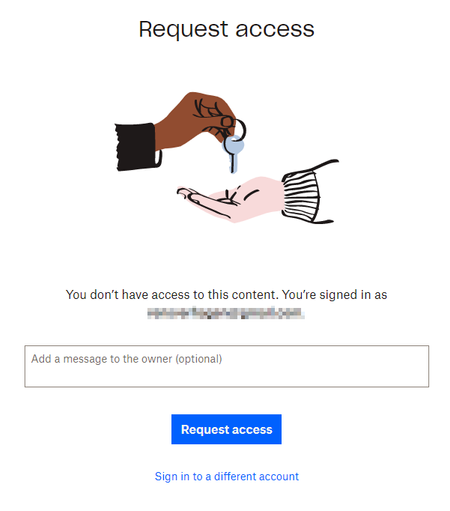
I have the following scenario: On my dropbox account (username = my google mail) there was a folder with a google sheet in there: <filename>.gsheet I migrated all my dropbox files to google dri...

trigger88
3 years agoExplorer | Level 4
I understand that deleting an account and signing-up again the files won't be restored. And I do have a backup of the file, problem is this file only contains the link, which now doesn't work for me anymore.
I'm pretty sure I am the only owner of the .gsheet-file and I didn't share it with other people. Maybe good to know, between deleting the account and signing-up again there was only a couple of hours. But as I can still request access, seems like the file is still available, is there a way that we can get support from Dropbox to restore access to this file?

Mark Super User II
3 years agoSuper User II
Dropbox support wont restore a file to an account that isnt yours I'm afraid. So they'd say you need to contact the owner - which you have done but they've not replied. Maybe they have not got access to their email or something anymore? As the file is allowing access still you cannot be the owner - everything is removed instantly when an account is deleted.
You'll need to recover via another method I'm afraid.
For info all your support options are listed at www.dropbox.com/support and depend upon your payment plan.
About Delete, Edit, and Organize
Solve issues with deleting, editing, and organizing files and folders in your Dropbox account.
The Dropbox Community team is active from Monday to Friday. We try to respond to you as soon as we can, usually within 2 hours.
If you need more help you can view your support options (expected response time for an email or ticket is 24 hours), or contact us on X, Facebook or Instagram.
For more info on available support options for your Dropbox plan, see this article.
If you found the answer to your question in this Community thread, please 'like' the post to say thanks and to let us know it was useful!


