Your workflow is unique 👨💻 - tell us how you use Dropbox here.
Forum Discussion

Namaka
2 years agoExplorer | Level 3
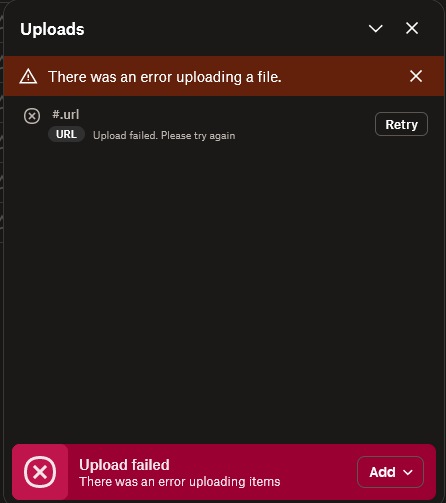
#.url There was an error uploading a file
Hi, what is this error #.url about? I get it only in Firefox, in Chrome I don't see any error but I can't rename a very important folder that has many files.

Namaka
2 years agoExplorer | Level 3
Hi Nancy, now the same error also crops up in Chrome. I have a lot of files in Dropbox, could it be related? is there a limit on the amount of files and folders that you can store in Dropbox? Any ideas for debugging further? Thanks.

Megan Dropbox Community Moderator
2 years agoDropbox Community ModeratorHi Namaka, let me recap the steps you follow, and make sure we're on the same page here.
So, it seems you're using the desktop app in order to upload your content, is that so?
You drop your .url files inside your Dropbox folder, and allow for the syncing process to take place. Then you open your account online, and see this error.
Am I on the right track? If not, don't hesitate to correct me.
Provided these are the steps that you follow, can you clarify the app's current syncing status?
About Create, Upload, and Share
Find help to solve issues with creating, uploading, and sharing files and folders with Dropbox.
The Dropbox Community team is active from Monday to Friday. We try to respond to you as soon as we can, usually within 2 hours.
If you need more help you can view your support options (expected response time for an email or ticket is 24 hours), or contact us on X, Facebook or Instagram.
For more info on available support options for your Dropbox plan, see this article.
If you found the answer to your question in this Community thread, please 'like' the post to say thanks and to let us know it was useful!


