Our Community is in read-only mode until April 8th, learn more here. You can still search existing threads or get help via Dropbox Support, the Dropbox Help Center, or Learn.
Forum Discussion

Robertson_NC
1 year agoHelpful | Level 5
Error 500 when trying open shared links
Is this genuinely fixed? Now when I visit links to individual files—folders seem to work fine and these are not links I tried when the site was down—the file preview pops up as expected and then is a...

DanielleDelosSantos
1 year agoHelpful | Level 5
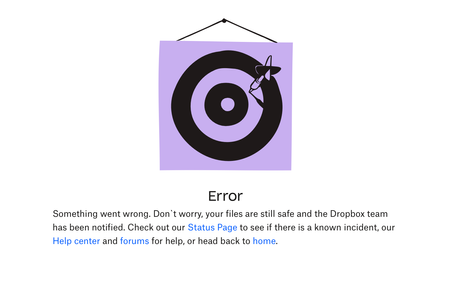
Currently working right now, and encountered another problem with Dropbox. Before it works perfectly every time I click the shared videos my client sends me but now, it is like this. What is the problem with this one? Can somebody from Dropbox explain this one or maybe there are some of you here in the community experienced the same. Let me know please. Thanks

kuruxox
1 year agoNew member | Level 2
I'm experiencing the same problem, the odd thing is the normal page will appear for 1 second but then it will immediately change into this same error screen.
Happening on both my files and files uploaded by other people and then shared to me.
 Bria B1 year agoNew member | Level 2
I'm experiencing this as well! Huge inconvenience since this is how my team sends projects for review and I can't review them!
About Create, Upload, and Share
Find help to solve issues with creating, uploading, and sharing files and folders with Dropbox.
The Dropbox Community team is active from Monday to Friday. We try to respond to you as soon as we can, usually within 2 hours.
If you need more help you can view your support options (expected response time for an email or ticket is 24 hours), or contact us on X, Facebook or Instagram.
For more info on available support options for your Dropbox plan, see this article.
If you found the answer to your question in this Community thread, please 'like' the post to say thanks and to let us know it was useful!


