We’re Still Here to Help (Even Over the Holidays!) - find out more here.
Forum Discussion

Aumen
2 years agoNew member | Level 1
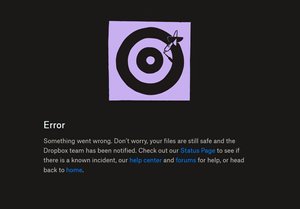
I get an error every time I open another user's shared link.
Im trying to open a link that somebody shared with me.
When I click on the link a new tab opens and I can see the page loading for a split second then it gives this error message:
Te...

Aumen
2 years agoNew member | Level 1
This is in default chrome, not incognito mode.
The owner has not deleted the folder/files.

Mark Super User II
2 years agoSuper User IIHave you tried a different browser? Clearing cache and cookies often also works
That error is usually a localised one not one from Dropbox.
- Aumen2 years agoNew member | Level 1
Yes I know its local. Something on my PC/Browser is interfering with the website but I dont know what it is
Im using Google Chrome. I dont want to use a different browser.- Rich2 years ago
Aumen wrote:
I dont want to use a different browser.
It's meant as a test. If you try it in another browser and it works, you know the problem is browser related and it narrows down where you need to look.
- Mark2 years ago
Aumen wrote:
I dont want to use a different browser.
You may not want to.... but it doesn't help us fix your issue if you want test it.

About Create, upload, and share
Find help to solve issues with creating, uploading, and sharing files and folders in Dropbox. Get support and advice from the Dropbox Community.
The Dropbox Community team is active from Monday to Friday. We try to respond to you as soon as we can, usually within 2 hours.
If you need more help you can view your support options (expected response time for an email or ticket is 24 hours), or contact us on X, Facebook or Instagram.
For more info on available support options for your Dropbox plan, see this article.
If you found the answer to your question in this Community thread, please 'like' the post to say thanks and to let us know it was useful!


