Your workflow is unique 👨💻 - tell us how you use Dropbox here.
Forum Discussion

roger007
2 months agoNew member | Level 2
Failing to install Dropbox on Linux
I've been trying to install Dropbox on my Linux machine, but it has failed. The URL on the website to download Dropbox on Linux is not working. When I try to run it in the terminal, it directs me to a login page (It says it's a requirement to log in before downloading), which also does not work. Please guide me on how to make it work on my computer.
Do you have any proxy, VPN, firewall, security software, or even ISP/router settings that could be restricting traffic to the following Dropbox domains?
Could you try switching browsers to see if the same behavior occurs again?
Otherwise, you can try using incognito/private browsing mode without any extensions running, clearing your cache and even resetting your browser entirely.
Let me know how it goes!

5 Replies
Replies have been turned off for this discussion
- Jay2 months ago
Dropbox Community Moderator
Hi roger007, thanks for bringing this to our attention.
Could you clarify exactly what happens when you click the URL to log in to the Dropbox desktop application?
Do you receive an error, does the page not load, or any other behavior?
Any other info or screenshots would be helpful!
 roger0072 months agoNew member | Level 2
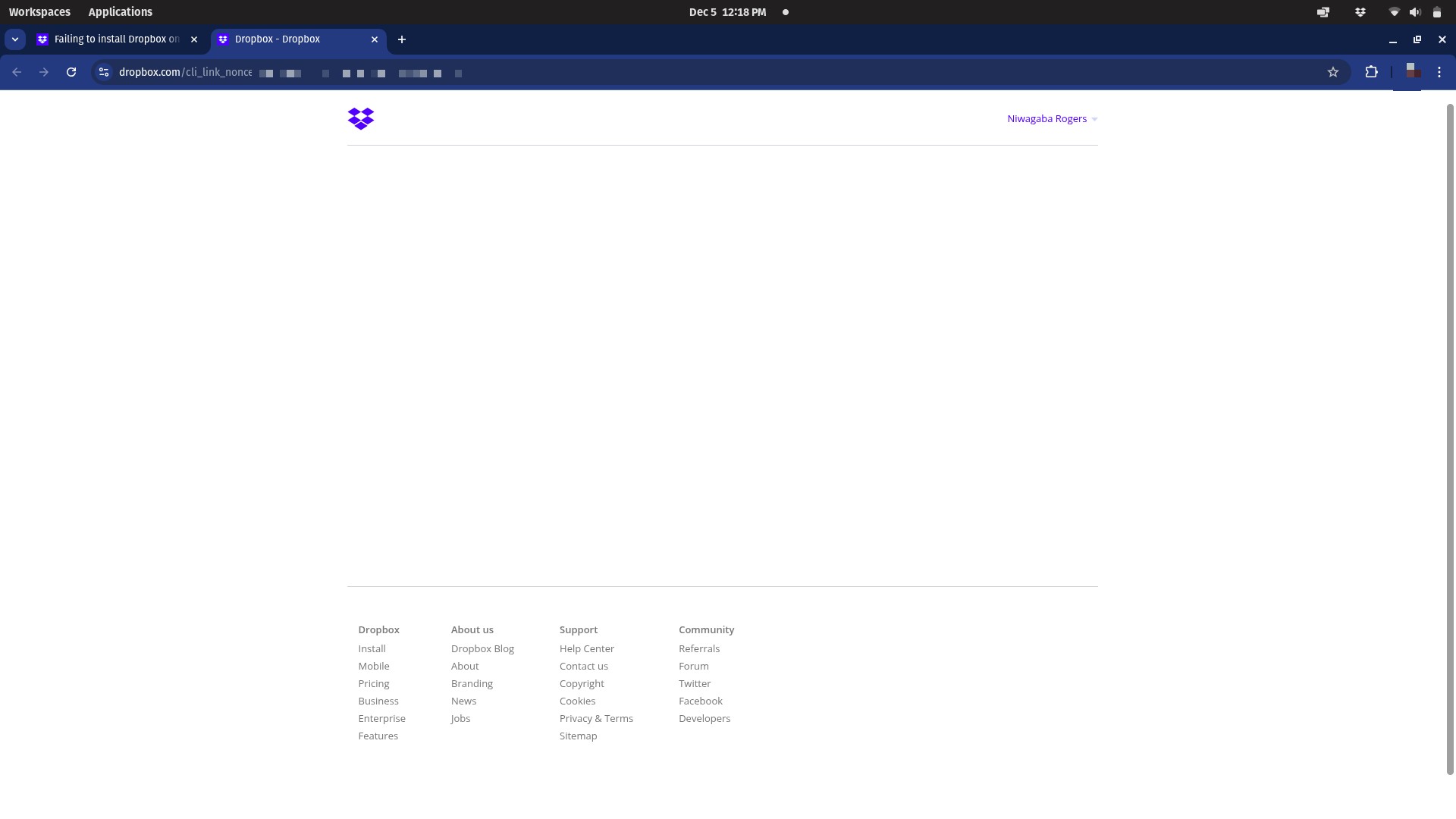
I receive a blank page
- Jay2 months ago
Do you have any proxy, VPN, firewall, security software, or even ISP/router settings that could be restricting traffic to the following Dropbox domains?
Could you try switching browsers to see if the same behavior occurs again?
Otherwise, you can try using incognito/private browsing mode without any extensions running, clearing your cache and even resetting your browser entirely.
Let me know how it goes!
- roger0072 months agoNew member | Level 2
I used a different browser and ISP, and it worked. Thank you
- Jay2 months ago
Glad to hear that this helped you resolve your issue. Enjoy your weekend!
If there's anything else we can assist with, feel free to reply back here!
About Apps and Installations
Have a question about a Dropbox app or installation? Reach out to the Dropbox Community and get solutions, help, and advice from members.
The Dropbox Community team is active from Monday to Friday. We try to respond to you as soon as we can, usually within 2 hours.
If you need more help you can view your support options (expected response time for an email or ticket is 24 hours), or contact us on X, Facebook or Instagram.
For more info on available support options for your Dropbox plan, see this article.
If you found the answer to your question in this Community thread, please 'like' the post to say thanks and to let us know it was useful!


