Your workflow is unique 👨💻 - tell us how you use Dropbox here.
Forum Discussion

EbbiKoko
2 years agoHelpful | Level 5
My eSignature requests are failing to send
Hi
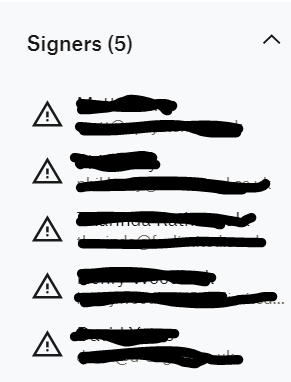
I prepped an eSignature request, sent it, got the green message to say it had sent. Nothing came through to signers.
Went back to the dashboard and it is there, but when I click on th...

Hannah Dropbox Community Moderator
2 years agoDropbox Community ModeratorHey EbbiKoko, thanks for reaching out to the Dropbox Community.
Are you trying to send these requests through Dropbox or while signed in to a Dropbox Sign account?
If it's through Dropbox, what kind of plan are you currently on?
Let me know and we'll go from there.
 EbbiKoko2 years agoHelpful | Level 5Hi @hannah, thanks for reaching out.
The issue is on Dropbox sign - free plan- Hannah2 years ago
Thanks, EbbiKoko!
Can you try to send your requests from a different browser or a private browsing window, to see if that makes any difference?
- EbbiKoko2 years agoHelpful | Level 5That's great @hannah it worked.
Is there something I can do if this happens again instead of loading up a new browser- as I tried to clear the cache data and it still didn't work.
Thanks again!
About Dropbox Sign

Ask questions and get help with Dropbox Sign here.
The Dropbox Community team is active from Monday to Friday. We try to respond to you as soon as we can, usually within 2 hours.
If you need more help you can view your support options (expected response time for an email or ticket is 24 hours), or contact us on X, Facebook or Instagram.
For more info on available support options for your Dropbox plan, see this article.
If you found the answer to your question in this Community thread, please 'like' the post to say thanks and to let us know it was useful!


