Your workflow is unique 👨💻 - tell us how you use Dropbox here.
Forum Discussion

Asdf12341
2 years agoNew member | Level 2
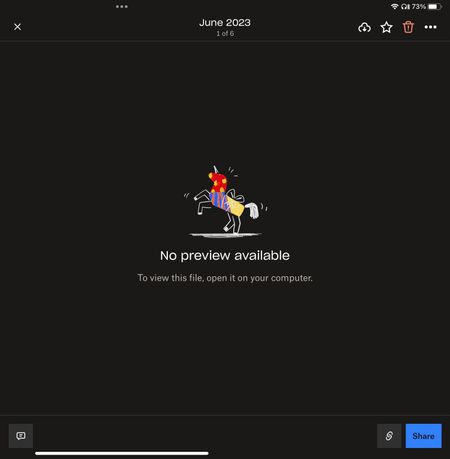
Can’t preview files on mobile iOS
I opened my Dropbox today and I’m unable to view any files on the app or online. I tried both on my iPad Pro and my iPhone but no luck. I reinstalled the app too but nothing helped. What is going on?...
 2 years ago
I figured the problem out. When retitling a file, you have to add the name of the type of file it is at the end. Example Photos.pdf or Photos.jpeg. I never had to do this before so it must be the recent update. Unfortunately, I have to go through and do this for all my files but at least I can open them now.

Walter Dropbox Community Moderator
2 years agoDropbox Community ModeratorHi there Asdf12341, sorry to hear you're having issues with this.
Does the file preview normally after downloading or exporting it to your device? Also, does it open normally from a web browser?
Have you tried clearing the app's cache at all since you first noticed this?
Keep us posted!
- Asdf123412 years agoNew member | Level 2
I figured the problem out. When retitling a file, you have to add the name of the type of file it is at the end. Example Photos.pdf or Photos.jpeg. I never had to do this before so it must be the recent update. Unfortunately, I have to go through and do this for all my files but at least I can open them now.
About View, Download, and Export

Get support with viewing, downloading, and exporting files and folders from your Dropbox account.
The Dropbox Community team is active from Monday to Friday. We try to respond to you as soon as we can, usually within 2 hours.
If you need more help you can view your support options (expected response time for an email or ticket is 24 hours), or contact us on X, Facebook or Instagram.
For more info on available support options for your Dropbox plan, see this article.
If you found the answer to your question in this Community thread, please 'like' the post to say thanks and to let us know it was useful!


