We're making some changes to the Dropbox Community 👩💻 - Find out more here.
Forum Discussion

matt_maccormack
1 year agoExplorer | Level 3
Export screen keeps getting stuck
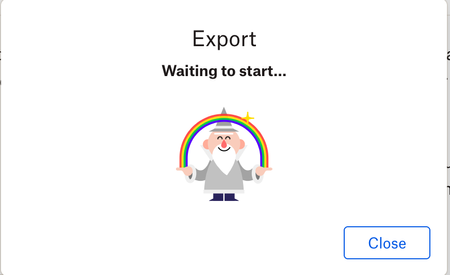
Suddenly I can no longer Export my DropBox files to any format: Markdown, PDF, etc. Every time I try to export, I keep getting stuck on the screen with the little wizard that says "Waiting to start....
 6 months ago
Update: It just worked. I don't know if Dropbox did anything to fix their Export service, but I tried again after waiting an hour and I was able to export my Paper doc.
ForemanDev
6 months agoNew member | Level 2
Walter Jay I'm having the same issue. The Export feature does not work when I attempt to export a Dropbox Paper document. It just sits on "Waiting to start..." and does not ever do anything. I've tried clearing the browser cache and using multiple different browsers. Dropbox's export feature appears to be broken. I've submitted a support request, but wanted to also document the issue here.

Walter Dropbox Community Moderator
6 months agoDropbox Community ModeratorHey ForemanDev - thanks for letting us know about this.
Just to clarify, is this affecting all of your Dropbox Paper docs, some or just one?
Note that I've also found your ticket in our system and passed your comments there as well.
- ForemanDev6 months agoNew member | Level 2
Thanks for the response Walter. I only have one Dropbox Paper doc, so that's all I'm able to test. I just want to export it for safekeeping. Thanks.
About View, Download, and Export

Get support with viewing, downloading, and exporting files and folders from your Dropbox account.
The Dropbox Community team is active from Monday to Friday. We try to respond to you as soon as we can, usually within 2 hours.
If you need more help you can view your support options (expected response time for an email or ticket is 24 hours), or contact us on X, Facebook or Instagram.
For more info on available support options for your Dropbox plan, see this article.
If you found the answer to your question in this Community thread, please 'like' the post to say thanks and to let us know it was useful!


