Your workflow is unique 👨💻 - tell us how you use Dropbox here.
Forum Discussion

IGHOR
3 months agoExplorer | Level 4
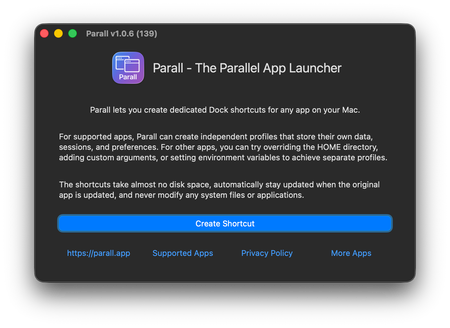
How I made multiple Dropbox clients work side by side on macOS
I often need to use more than one Dropbox account - one for work, one for personal projects - but the macOS app only allows one personal and one business account at a time. That's fine for some workf...

Jay Dropbox Community Moderator
3 months agoDropbox Community ModeratorHi IGHOR, thanks for messaging the Community!
We appreciate this information as it might help other users who are looking to do the same thing on their own devices.
I'd also like to mention that overall, this isn't a supported method of using Dropbox on your desktop, so if there are any issues with the implementation, there would be little we could do to help resolve it.
If you have any further details for users, feel free to message back!
 IGHOR3 months agoExplorer | Level 4
Sure, thanks! I believe I've provided all the necessary information, and there shouldn't be any questions or issues on the user's end. I'm more than happy to answer any community questions.
About Integrations
Get help with third-party integrations from the Dropbox Community.
The Dropbox Community team is active from Monday to Friday. We try to respond to you as soon as we can, usually within 2 hours.
If you need more help you can view your support options (expected response time for an email or ticket is 24 hours), or contact us on X, Facebook or Instagram.
For more info on available support options for your Dropbox plan, see this article.
If you found the answer to your question in this Community thread, please 'like' the post to say thanks and to let us know it was useful!


