Your workflow is unique 👨💻 - tell us how you use Dropbox here.
Forum Discussion

LordRugby
5 years agoHelpful | Level 6
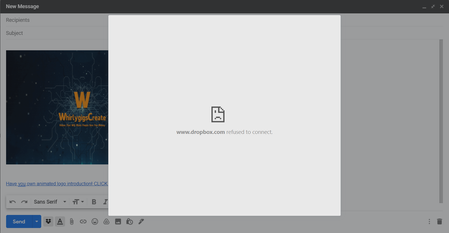
I keep getting "Dropbox refuses to connect" error pages how do I fix this??
Hi when I use the dropbox plugin I get this message. I have tried everything . please see screen shot

Smokey Bluntson
5 years agoHelpful | Level 6
I can confirm, from 2 different computers with this same issue, that your suggested fix does not work
Smokey Bluntson
5 years agoHelpful | Level 6
BUMP
did anyone have any luck on this? I need updates on this from support
- Walter5 years ago
Dropbox Community Moderator
Thanks for the follow up on this Smokey Bluntson.
Can you maybe take a look at this topic and let us know if any of the suggestions there helped? ken l.195 years agoHelpful | Level 6
I followed that rabbit hole link and tried the "accepted solution"
Doesnt work for me
- Smokey Bluntson5 years agoHelpful | Level 6
I am currently in contact with an "Advanced Technician" from dropbox via email, I will let you know what we figure out if we ever figure it out.
- Smokey Bluntson5 years agoHelpful | Level 6
Nope, still nothing, it is not an issue with the host file.

About Integrations
Get help with third-party integrations from the Dropbox Community.
The Dropbox Community team is active from Monday to Friday. We try to respond to you as soon as we can, usually within 2 hours.
If you need more help you can view your support options (expected response time for an email or ticket is 24 hours), or contact us on X, Facebook or Instagram.
For more info on available support options for your Dropbox plan, see this article.
If you found the answer to your question in this Community thread, please 'like' the post to say thanks and to let us know it was useful!


