We’re Still Here to Help (Even Over the Holidays!) - find out more here.
Forum Discussion

jvoong
4 years agoExplorer | Level 3
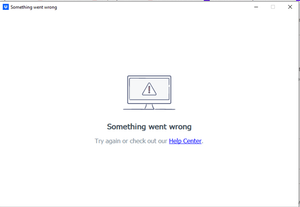
The Dropbox desktop app on my computer is giving me an error when I try to sign in
Hello,
For some reason, I cannot sign into the Dropbox app on the computer anymore. At first, I was having problems with syncing. It kept saying that I was not connected to the internet. So I u...

Hannah Dropbox Community Moderator
4 years agoDropbox Community ModeratorHey jvoong, thanks for bringing this to our attention.
Did you perhaps install any security apps like an antivirus or maybe you have a firewall that might be blocking Dropbox from connecting?
If you do, try temporarily disabling those, to see if that helps.
Let me know what you find!
 jvoong4 years agoExplorer | Level 3
Hannah,
I tried disabling Firewalls and any Antivirus programs. It is still giving me the same issue.
- Jay4 years ago
Hi jvoong, is there a possibility that a proxy, VPN, or even ISP/router settings could be restricting traffic to the following Dropbox domains?
- jvoong4 years agoExplorer | Level 3
Hi Jay,
What steps can I take to check for it?

About Apps and Installations
Have a question about a Dropbox app or installation? Reach out to the Dropbox Community and get solutions, help, and advice from members.
The Dropbox Community team is active from Monday to Friday. We try to respond to you as soon as we can, usually within 2 hours.
If you need more help you can view your support options (expected response time for an email or ticket is 24 hours), or contact us on X, Facebook or Instagram.
For more info on available support options for your Dropbox plan, see this article.
If you found the answer to your question in this Community thread, please 'like' the post to say thanks and to let us know it was useful!


