Your workflow is unique 👨💻 - tell us how you use Dropbox here.
Forum Discussion

DavidM07
1 year agoHelpful | Level 5
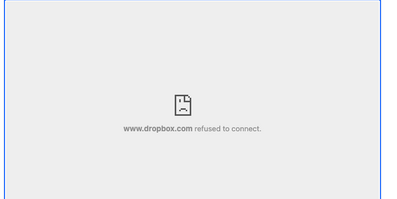
Dropbox Paper error: www.dropbox.com refused to connect.
MacBook 14.9
OS: Sonoma 14.4
Hi, I need some advice:
When transferring video/audio clips from desktop to a dropbox paper document, the files will transfer over but there wont play, err...
 1 year ago
Hi, thanks for your response.
I can confirm, for whatever reason the audio/video files will now play with no issues at all. The error is no longer appearing.
Could you offer any advice why this error has disappeared and randomly fixed it self?
Thanks

Walter Dropbox Community Moderator
1 year agoDropbox Community ModeratorHey DavidM07 - sorry to jump in here, but could you try with another type of file or renaming the files and let us know if you still get the same results?
Keep us posted on the security apps that might be interfering as well!
DavidM07
1 year agoHelpful | Level 5
Hi,
I have tried renaming both audio and video files and the same error appears.
With regards to VPN, firewall, security app, or antivirus, they were disabled.
Can you please advised on the next steps please?
- Walter1 year ago
Thanks for the additional information DavidM07 - much appreciated.
Would it be OK if I reached out via email to have a further look internally?
- DavidM071 year agoHelpful | Level 5
In terms of remotely connecting to my MacBook to take a look?
Thanks
- Nancy1 year ago
Hi from me as well, DavidM07! By opening a ticket, we’ll be able to see more details on your Dropbox account and potentially send this over to our specialized team, if necessary.
Please check your Dropbox email address, and reply back to my ticket when you get the chance.
Thanks!

About View, Download, and Export

Get support with viewing, downloading, and exporting files and folders from your Dropbox account.
The Dropbox Community team is active from Monday to Friday. We try to respond to you as soon as we can, usually within 2 hours.
If you need more help you can view your support options (expected response time for an email or ticket is 24 hours), or contact us on X, Facebook or Instagram.
For more info on available support options for your Dropbox plan, see this article.
If you found the answer to your question in this Community thread, please 'like' the post to say thanks and to let us know it was useful!


