Your workflow is unique 👨💻 - tell us how you use Dropbox here.
Forum Discussion

RandallCraig
1 month agoExplorer | Level 4
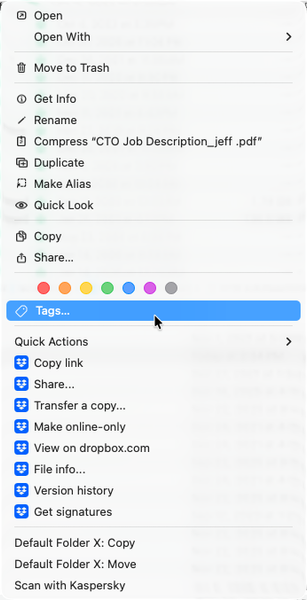
Dropbox only opens the Dropbox folder in finder - not the app.
Any help would be appreciated - thank you! (I can't seem to find anything that can help...)
Application Affected Dropbox
Device Apple MacBook Pro M1 Max, 64Gb of RAM, 2Tb SDD Operating Syste...

RandallCraig
1 month agoExplorer | Level 4
Unfortunately, nothing really has worked - have closed any dropbox items in the activity monitor, uninstalled and then reinstalled the app, but still the same problem.
- Walter1 month ago
Dropbox Community Moderator
Can you try the offline installer from this page directly upon performing a clean, advanced reinstall and let us know if this still persists for you RandallCraig?
 SoundMind729 days agoNew member | Level 2
Hi, I'm having the exact same issue and have tried all the steps from the OP and installing from the offline installer, still just opens to the Dropbox folder and no Menu icon. I'm running a Mac Mini M2 Pro with Tahoe 26.3
- Walter9 days ago
Does the issue persist even after an advanced reinstall as well SoundMind72?

About Apps and Installations
Have a question about a Dropbox app or installation? Reach out to the Dropbox Community and get solutions, help, and advice from members.
The Dropbox Community team is active from Monday to Friday. We try to respond to you as soon as we can, usually within 2 hours.
If you need more help you can view your support options (expected response time for an email or ticket is 24 hours), or contact us on X, Facebook or Instagram.
For more info on available support options for your Dropbox plan, see this article.
If you found the answer to your question in this Community thread, please 'like' the post to say thanks and to let us know it was useful!


