Our Community is in read-only mode until April 8th, learn more here. You can still search existing threads or get help via Dropbox Support, the Dropbox Help Center, or Learn.
Forum Discussion

johnweidner
1 year agoCollaborator | Level 9
“Couldn't Load Preview.” error for photos on my iPhone 13 Paper app
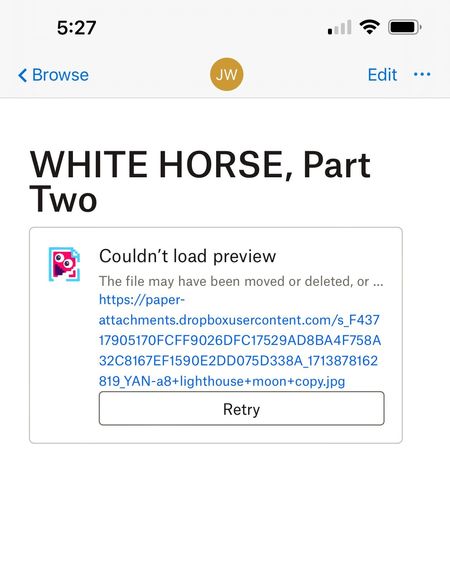
No images will load in Paper app on my iPhone 13. All works fine on my Mac computer using Safari . The message is “Couldn't Load Preview.”
 1 year ago
Hi Everybody,
Thanks for letting us know it's working again! Our engineering team recently implemented a fix for previews in the mobile Paper app.
Your feedback on the lack of updates on this issue is duly noted. We can't always share information on how a fix is progressing, and we do try to provide updates wherever we can.
Thanks,
Ben

johnweidner
1 year agoCollaborator | Level 9
No, I OPEN the file on my iPhone. All the text is still there, just right. But every picture is replaced with a message that starts with "Couldn't load preview. The file may have been moved or deleted." (All the pictures are still there when I open the same file on my computer.)

Jay Dropbox Community Moderator
1 year agoDropbox Community ModeratorHI johnweidner, could you try using a different network connection to see if this helps when previewing the files?
- johnweidner1 year agoCollaborator | Level 9
I tried turning off Wi-Fi on my phone, and using Cellular Data. Same problem exactly
- johnweidner1 year agoCollaborator | Level 9
Crazy question: I'm using hundreds of pictures in my Paper documents. Could there just be a limit to how much the iPhone Paper app can handle?
- Jay1 year ago
Approximately how many pictures do you have in one document? If you create a new Paper doc with only a few images, does it load normally?
- johnweidner1 year agoCollaborator | Level 9
Approximately 10 to 20 pix, not very large in size. I just made a test document with two pictures, but it had the exact same problem.
About View, Download, and Export

Get support with viewing, downloading, and exporting files and folders from your Dropbox account.
The Dropbox Community team is active from Monday to Friday. We try to respond to you as soon as we can, usually within 2 hours.
If you need more help you can view your support options (expected response time for an email or ticket is 24 hours), or contact us on X, Facebook or Instagram.
For more info on available support options for your Dropbox plan, see this article.
If you found the answer to your question in this Community thread, please 'like' the post to say thanks and to let us know it was useful!


