Your workflow is unique 👨💻 - tell us how you use Dropbox here.
Forum Discussion

johnweidner
1 year agoCollaborator | Level 9
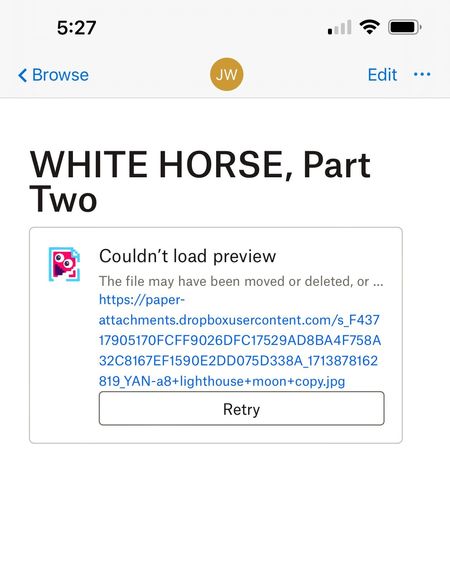
“Couldn't Load Preview.” error for photos on my iPhone 13 Paper app
No images will load in Paper app on my iPhone 13. All works fine on my Mac computer using Safari . The message is “Couldn't Load Preview.”
 1 year ago
Hi Everybody,
Thanks for letting us know it's working again! Our engineering team recently implemented a fix for previews in the mobile Paper app.
Your feedback on the lack of updates on this issue is duly noted. We can't always share information on how a fix is progressing, and we do try to provide updates wherever we can.
Thanks,
Ben

anonymous
1 year agoSame issue here but only have a basic plan so can't open a ticket. Watching this thread with interest!

Walter Dropbox Community Moderator
1 year agoDropbox Community ModeratorHi all, thanks for bringing this to our attention.
We've passed it on to the appropriate team and we'll let you know as soon as we have more updates to share.
Thanks for your patience.
- Condemic1 year agoExplorer | Level 4Also having this issue. Been using Paper for a few years I think. Always worked fine. All of the sudden it only works on browser but on my iPhone images won’t load no matter what I try. Hoping it’ll be updated ✌️
- gbrown3001 year agoHelpful | Level 6
I'm still working through the ticket with DB - Checking off the straightforward troubleshooting items. App reinstall, etc. Again, just to reiterate, Paper (for me) is working on every platform, except the IOS app. Through Safari, works, through Android app, works, on PC, works.
 johnweidner1 year agoCollaborator | Level 9
I'v got my ticket going too. Now turned over to the big kids, I think. Hope an answer turns up. I'll post if I find anything out.
- gbrown3001 year agoHelpful | Level 6
Unfortunately I've been told that there is no update on the situation and no timeline either. So I guess I'll have to look for an alternative solution - Google docs or MS something??? Very disappointed.
 MAstilleroF1 year agoHelpful | Level 6
This is not serious for a Nasdaq-listed company like Dropbox. Dropbox users have documents on Paper that we mostly share with third parties, either to showcase our work or as part of the work itself (plans, reports, projects, tasks...). So if now all the images are not displayed on mobile devices (and they are not being displayed), documents generate a very bad image to our collaborators, followers or clients.
- jojowales1 year agoHelpful | Level 5This is happening to me on my Apple i phone preventing me sharing my images alongside my text with other artists. Previously it all worked fine. I have a sneaky suspicion that it's due to using the free version as it coincided with an offer to upgrade. This is very disappointing! I opened a support request but received a cold shoulder and no solution, again it seemed support was very limited or non existent to users of the free package. Tell me I'm wrong here if you have greater knowledge of this problem. It's only lately that I have become cynical of tech companies that I previously trusted.
- gbrown3001 year agoHelpful | Level 6
I have a 2TB plan and this still happened to me. Only on IOS - android & any browser, no problem. Works, but so should the app.

About View, Download, and Export

Get support with viewing, downloading, and exporting files and folders from your Dropbox account.
The Dropbox Community team is active from Monday to Friday. We try to respond to you as soon as we can, usually within 2 hours.
If you need more help you can view your support options (expected response time for an email or ticket is 24 hours), or contact us on X, Facebook or Instagram.
For more info on available support options for your Dropbox plan, see this article.
If you found the answer to your question in this Community thread, please 'like' the post to say thanks and to let us know it was useful!


