Your workflow is unique 👨💻 - tell us how you use Dropbox here.
Forum Discussion

backendbro
2 years agoExplorer | Level 4
I can't view my files as I'm getting a 404 error
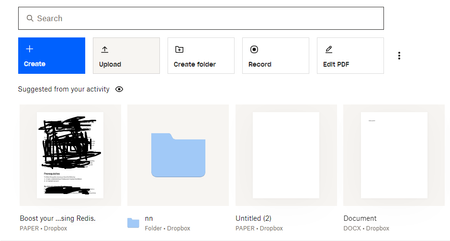
Last Friday, I was in the middle of writing an article on my computer. As I got tired, I saved and closed the file intending to continue on Sunday. However, when I tried to open the file again on Sun...

Megan Dropbox Community Moderator
2 years agoDropbox Community ModeratorHi backendbro, thanks for checking a different browser too!
It sounds like it's a Paper file we're talking about, right?
Based on the error you received, it sounds like your sharing ability might have been temporarily suspended. You can find out more info at this Help Center article.
Can you check your emails, to see if you received any communications from us about this?
This will help me to assist further!

backendbro
2 years agoExplorer | Level 4
Yes, it is a paper file. I received an email 3hrs ago, that my complaint is being forwarded to the appropriate department. But I'm yet to get a response.
- Megan2 years ago
Gotcha backendbro!
I was able to locate your ticket on our system. Hang tight, and an agent will be with you shortly.
Thank you!
- backendbro2 years agoExplorer | Level 4
Ok, ma’am. I appreciate your effort. Those papers are the source of my livelihood. Thanks for helping once again.
Edited....
Megan Hello ma'am. Just checking up on you. I'm yet to get a response.
About View, Download, and Export

Get support with viewing, downloading, and exporting files and folders from your Dropbox account.
The Dropbox Community team is active from Monday to Friday. We try to respond to you as soon as we can, usually within 2 hours.
If you need more help you can view your support options (expected response time for an email or ticket is 24 hours), or contact us on X, Facebook or Instagram.
For more info on available support options for your Dropbox plan, see this article.
If you found the answer to your question in this Community thread, please 'like' the post to say thanks and to let us know it was useful!


